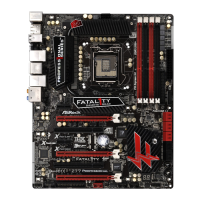
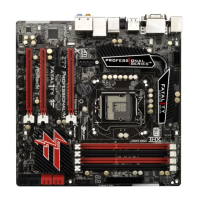
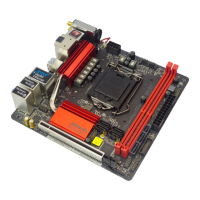
Fatal1ty Z77 Professional-M Series Motherboard
243
English
If you install Windows
®
7 64-bit / Vista
TM
64-bit in a large hard disk (ex. Disk
volume > 2TB), it may take more time to boot into Windows
®
or install driver/
utilities. If you encounter this problem, you will need to following instructions
to x this problem.
Windows
®
Vista
TM
64-bit:
Microsoft
®
does not provide hotx for this problem. The steps listed below
are Microsoft
®
's suggested solution:
A. Disable System Restore.
a. Type “systempropertiesprotection” in the Start Menu. Then press
"Enter".
b. De-select Local Disks for System Restore. Then Click “Turn System
Restore Off” to conrm. Then Press “Ok”.
E. Please keep the USB ash disk installed until the system rst reboot.
F. Continue to install OS by following the Windows
®
instructions.
5. Follow Windows
®
Installation Guide to install OS.



 To Next Page
 Loading...