Step 3
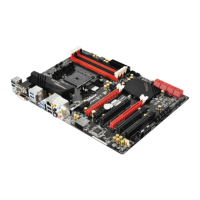
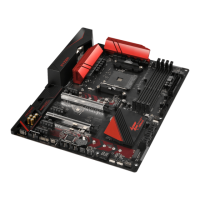
Align and insert the ASRock SLI_Bridge
Card to the goldngers on each graphics
card. Make sure the ASRock SLI_Bridge
Card is rmly in place.
Step 4
Connect a VGA cable or a DVI cable to the
monitor connector or the DVI connector of
the graphics card that is inserted to PCIE1
slot.
ASRock SLI_Bridge Card



 To Next Page
 Loading...