73
English
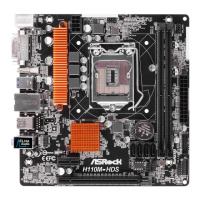
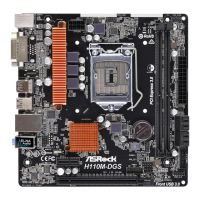
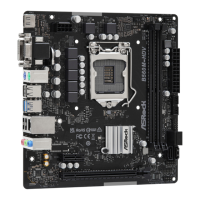
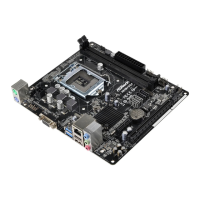
H110M-HDV R3.0 / H110M-HDS R3.0 / H110M-DVS R3.0 / H110M-DGS R3.0
Enabling USB Ports for Windows® 7 Installation
Intel® new processors have removed their support for the Enhanced Host Controller
Interface (EHCI – USB2.0) and only kept the eXtensible Host Controller Interface
(XHCI – USB3.0). Due to that fact that XHCI is not included in the Windows 7
inbox drivers, users may nd it dicult to install Windows 7 operating system
because the USB ports on their motherboard won’t work. In order for the USB ports
to function properly, please create a Windows® 7 installation disk with the Intel®
USB 3.0 eXtensible Host Controller (xHCI) drivers packed into the ISO le.
Requirements
•
A Windows® 7 installation disk or USB drive
•
A Windows® PC
•
Win7 USB Patcher (included in the ASRock Support CD or downloaded from
website)
Scenarios
You have an ODD and PS/2 ports:
If there is an optical disc drive, PS/2 ports and PS/2 Keyboard or mouse on your computer,
you can skip the instructions below and go ahead to install Windows® 7 OS.
You’ve got nothing:
If you do not have an optical disc drive, please nd another computer and follow the
instructions below to create a new ISO le with the “Win7 USB Patcher”. en use the new
patched Windows® 7 installation USB drive to install Windows® 7 OS.



 To Next Page
 Loading...