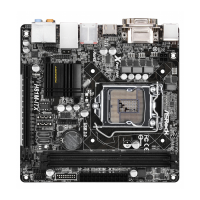
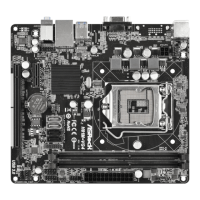
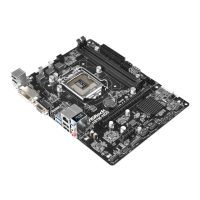
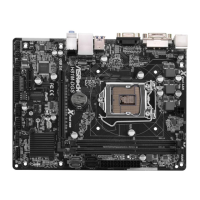
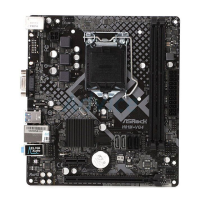
H81M-ITX/WiFi
5
English
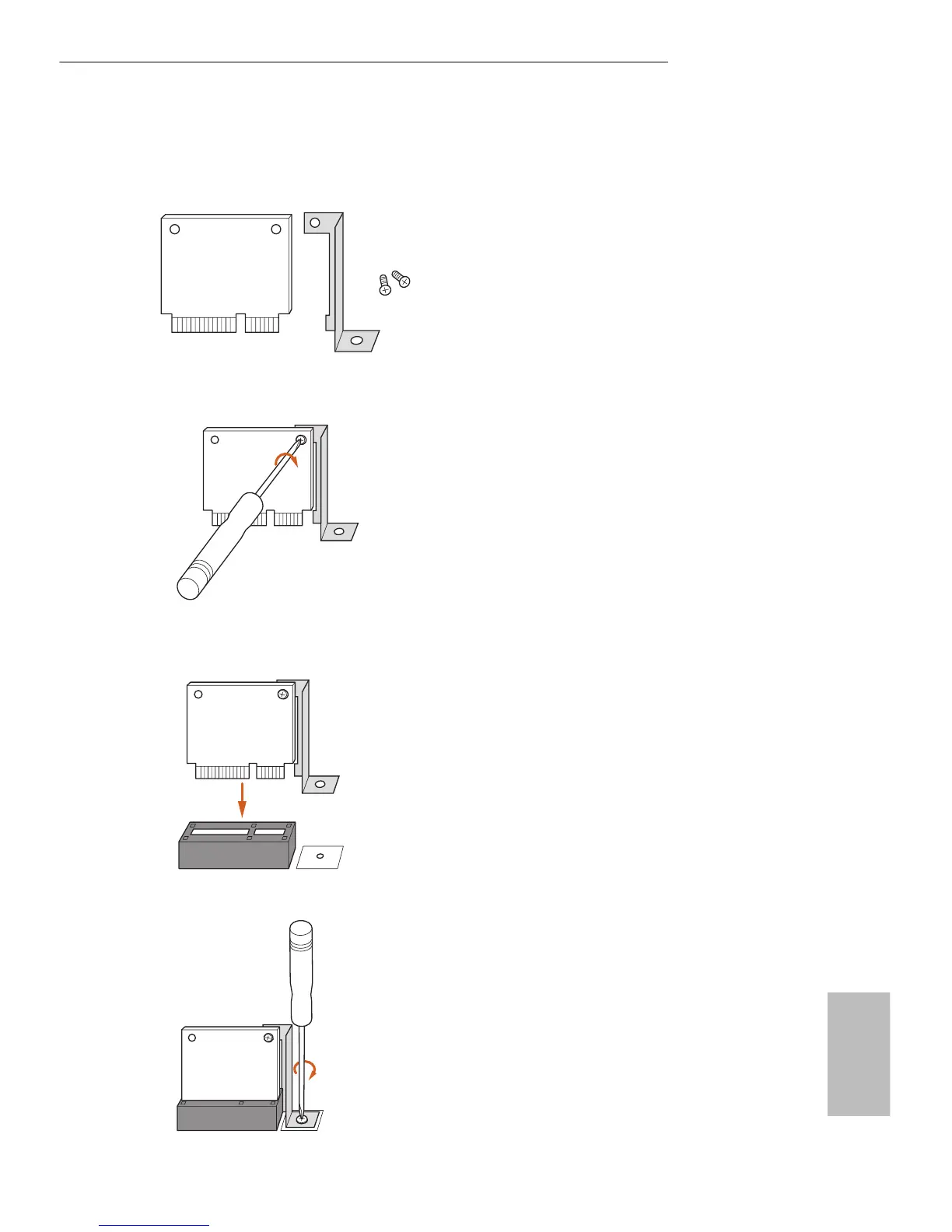
WiFi Module and WiFi Antenna Installation Guide
Step 1
Prepare the WiFi Module, WiFi Module Bracket,
and the two screws that come with the package.
Prepare a Phillips #0 screwdriver.
Step 2
Attach the WiFi Module Bracket to the WiFi
card, aligning the screw hole on the WiFi card
with the screw hole on the bracket. Use the screw
to attach the bracket and the WiFi card, but do
not tighten the screw.
Step 3
Insert the WiFi Module Card into the vertical
mini PCI Express slot (MPCIE1).
Step 4
Tighten the screw that holds the card in place.


 To Next Page
 Loading...