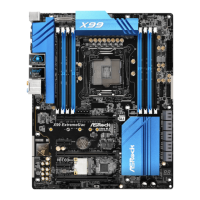
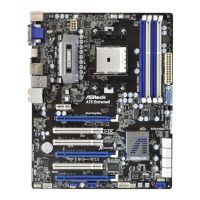
30
2.8.1.2 Installing Three CrossFireX
TM
-Ready Graphics Cards
Step 1. Install one Radeon graphics card to PCIE2 slot. For the proper installation
procedures, please refer to section “Expansion Slots”.
Step 2. Install one Radeon graphics card to PCIE4 slot. For the proper installation
procedures, please refer to section “Expansion Slots”.
Step 3. Install one Radeon graphics card to PCIE5 slot. For the proper installation
procedures, please refer to section “Expansion Slots”.
Step 4. Use one CrossFire
TM
Bridge to connect Radeon graphics cards on PCIE2
and PCIE4 slots, and use the other CrossFire
TM
Bridge to connect Radeon
graphics cards on PCIE4 and PCIE5 slots. (CrossFire
TM
Bridge is provided
with the graphics card you purchase, not bundled with this motherboard.
Please refer to your graphics card vendor for details.)



 To Next Page
 Loading...