English
21
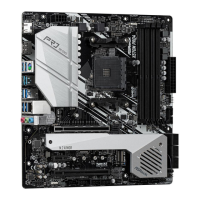
X570M Pro4
Please note that only one cable should be used at a time in this step.
If you select AMD_FAN_LED1, please install ASRock utility "ASRock Polychrome SYNC".
If you select USB connector, please install AMD utility "SR3 Settings Soware".
*e diagrams shown here are for reference only. e headers might be in a dierent position on your
motherboard. Please refer to page 31 for the orientation of AMD Fan LED Header (AMD_FAN_LED1)
and page 28 for the orientation of AMD LED Fan USB Header (USB_5).
6
C
P
U
_
FA
N
1
AM
D
_
FA
N
_
L
E
D
1
C
P
U
_
FA
N
1
U
S
B
_
5
or
+12V


 To Next Page
 Loading...