31
English
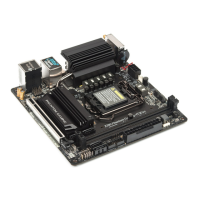
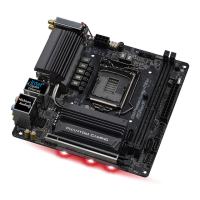
Z390 Phantom Gaming-ITX/ac
1
1
2
Step 3
Before installing a M.2 (NGFF) SSD
module, please loosen the screws to
remove the M.2 heatsink.
AB
Step 4
Move the stando based on the
module type and length.
e stando is placed at the nut
location B by default. Skip Step 4 and
5 and go straight to Step 6 if you are
going to use the default nut.
Otherwise, release the stando by
hand.
Step 5
Tighten the stando into the desired
nut location on the motherboard.


 To Next Page
 Loading...