3. Timer Mode
F. Troubleshooting
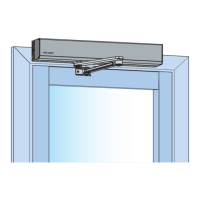
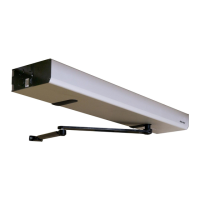
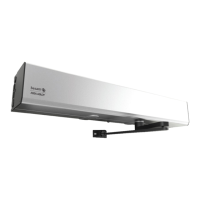
For applications using automatic operators(s): Door(s) fail to unlock before doors begin to open:
Adjust timing of operator to allow 900ms for the pushbar to fully tract.
If momentary contact is applied to the timer circuit, adjust the onboard timer to a longer duration to prevent the device from locking prior
to operator actuation.
M91 switch wiring: The design requires normally open functionality and the circuit is normally closed or (vice versa):
There is only a two-wire input for the "S" circuit. Normally open or normally closed configuration is set by toggling the DIP switches
on the controller racket to the required position
If further assistance is required 1-800-810-9473 and for optimum support provide as much of the following information as possible.
Your name and contact number.
6000 Series Device produced with your name and contact number.
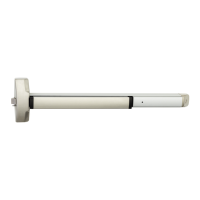
6000 Series Exit Device product type with options.
Location and identification of the affected opening (e.g. site, building, and door number).
Power supply manufacturer and rated output (i.e voltage and current.)
Method of operation (e.g timer Mode).
The number of devices connected to the power supply.
Symptoms of problem (i.e., observed behavior.)
6000 Series MELR
Exit Devices
Installation Instructions
21
80-8150-0077-000 04/24
Copyright © 2017, 2023, 2024, ASSA ABLOY ACCENTRA™ Access and Egress Hardware Group, Inc. All rights reserved. Reproduction
in whole or in part without the express written permission of ASSA ABLOY Access and Egress Hardware Group, Inc. is prohibited.
1-855-577-5078 Ext. 2 • www.accentra-assaabloy.com



 To Next Page
 Loading...