42
ENTR™ User Manual
10.1 General
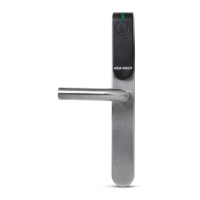
The "ENTR™ Wire-free Charger" is used to charge the Door Unit on the
door. The device is being charged by wired charger.
The charging of the Door Unit is done through a cable with micro-USB
male connector.
10. ENTR™ Wire-free Charger
When the "ENTR™ Wire-free Charger" is in charge mode the
will blink green LED.
Fully Charged
When the "ENTR™ Wire-free Charger" is fully charged and
plugged to a power
supply the (green LED) is
Charging Mode
When the "ENTR™ Wire-free Charger" is charging the Door Unit there is no
shall be shown on the ENTR™ Door Unit.
When the "ENTR™ Wire-free Charger" needs to be charged the will blink
alternate red and green.
Cable with micro-USB male connector
10.3 Door Unit Charging
Connect the micro-USB to the Door Unit and hang the Wire-free charger as shown.



 To Next Page
 Loading...