A C C E S S I N G Y O U R C A M E R A
11
Accessing your camera
This section will show you how you can access your camera.
nce you have configured your camera there are many different configuration
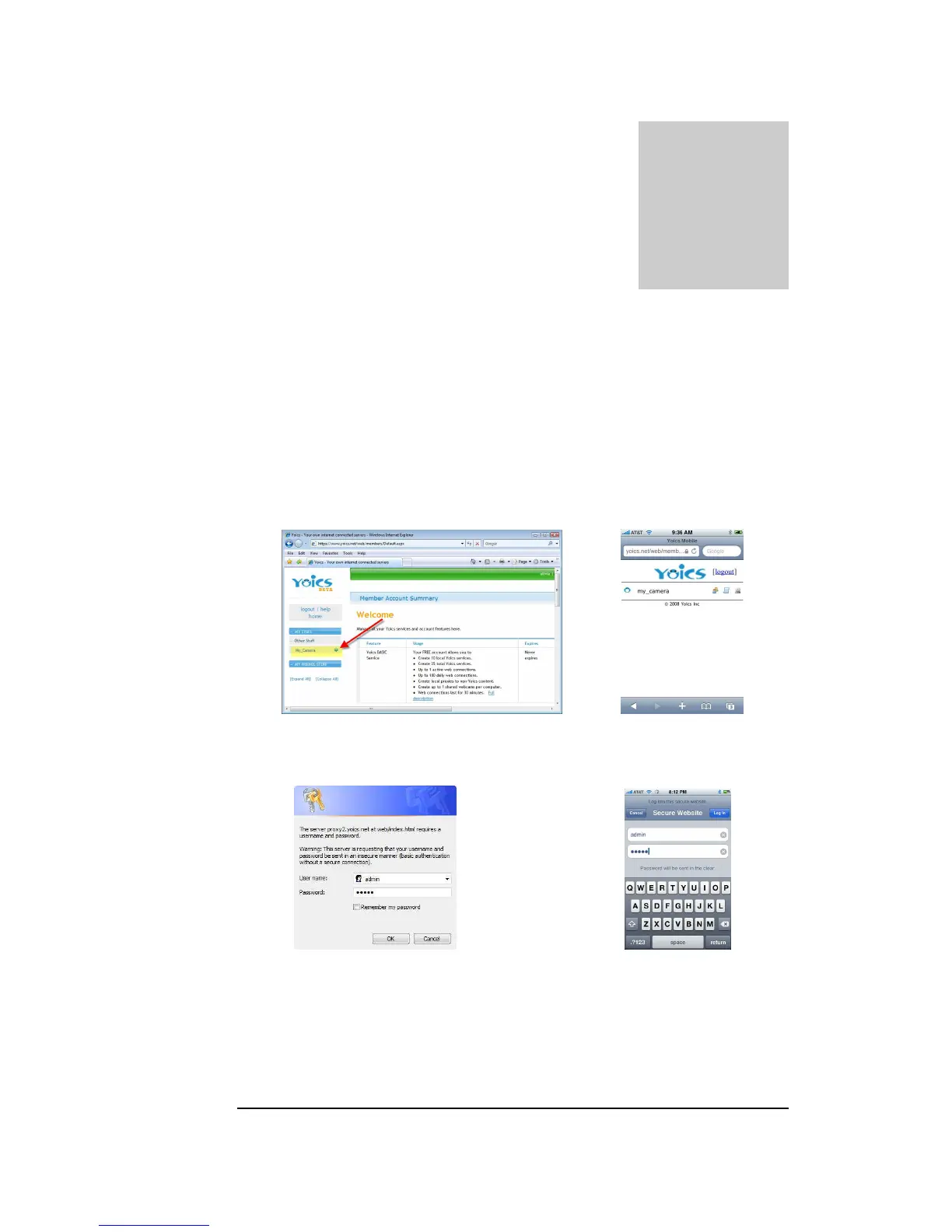
options available to you. To access your camera, simply login to yoics.com,
and click on your camera to bring your camera up in your browser.
When you select your camera, you will be asked for a user name and password. The
default values are: username: admin, password: admin


 To Next Page