ENGLISH
IMPORTANT: The instruction manual you are holding includes essential information on the safety measures to be implemented
for installation and start-up. Therefore, the installer as well as the user must read the instructions before beginning installation
and start-up.
Keep this manual for future reference.
1.ELECTRICAL CONNECTION DIAGRAM
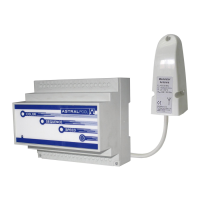
Install the Receiver-Modulator where it is protected from corrosion, outside metal boxes and at a distance from metal pipes or
electrical cables that can block the Radio Frequency signal from the remote control.
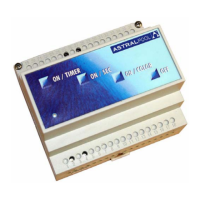
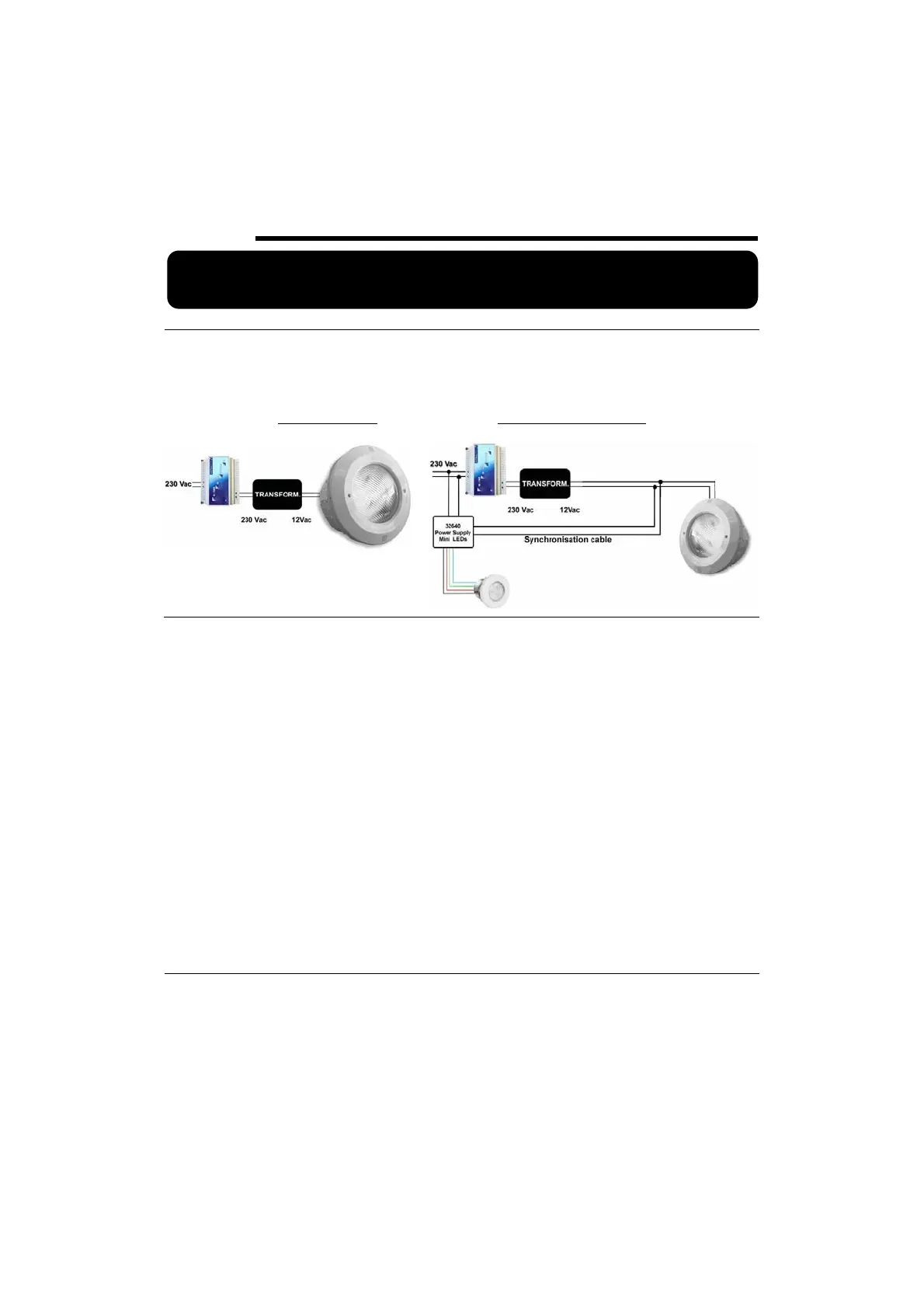
The Receiver-Modulator is connected to the 230 Vac mains by means of two terminals indicated MAINS, and to the primary input of
the transformer (230 Vac) by means of the terminals indicated TRF (See attached diagram).
The transformer should be sized to supply the corresponding VA to the installed projectors. The receiver can control up to a maximum
of 15 projectors.
STD. PROJ. DIAGRAM
STD. AND MINI PROJ. DIAGRAM
2. OPERATION OF THE PUSHBUTTONS:
OFF:
x To turn off the spotlight.
x By keeping this button pressed (whether the spotlight is on or off), the receiver enters the “Instruction” mode, that starts-up the
remote control by pressing once any key of the Control (See “Start-up”).
ON / COLOUR:
x If the spotlight is off or in the SEQUENCE mode, the spotlight is turned on in the SET COLOUR mode (the activated colour will
be the last set colour used).
x If the spotlight is already in the SET COLOUR mode, press the button to change the colour within the 12 different options.
ON / SEQUENCE:
x If the spotlight is off or in the SET COLOUR mode, the spotlight is switched on in the SEQUENCE mode. (The activated
programme will be the last one used) (programme or colour changes in the sequence should be performed from the remote
control).
ON / TIMER:
x If the spotlight is off, it is switched on in the last operation mode used and the TIMER function is activated, switching it off
automatically after a time pre-set from the remote control. (duration changes of the timer must be performed from the remote
control).
x If the spotlight is in SET COLOUR or SEQUENCE mode, the TIMER function is activated.
NOTE: The Remote Control must remain off when the Receiver-Modulator pushbuttons are being used.
LED indicator: By observing the green led of the Receiver-Modulator, you can determine the spotlight operation status:
x Led off: Power supply is disconnected.
x Flashing every 2 sec. Spotlights with leds off.
x Led on without flashing: Spotlight in SET COLOUR or SEQUENCE mode.
x Slow flashing: TIMER function on.
x Quick flashing: INSTRUCTION function
x Flashing for 2 sec. Receiving order from the remote control.
3. RECEIVER-MODULATOR COMMUNICATION WITH THE REMOTE CONTROL
x Switching on the Remote control
o Keep the OFF key pressed of the Receiver-Modulator. The green led will flash quickly indicating that it is in the Instruction
mode.
o Switch on the Remote Control and press any button. If you have several Remote Controls, repeat the operation so that the
Receiver-Modulator acknowledges them all. There can be a maximum of eight.
x Turn off Remote Control
o Keep the OFF key pressed of the Receiver-Modulator. The green led will flash quickly indicating that it is in the Instruction
mode.
o Press the OFF key


 To Next Page
 Loading...