3
90DC00H0-B0000C
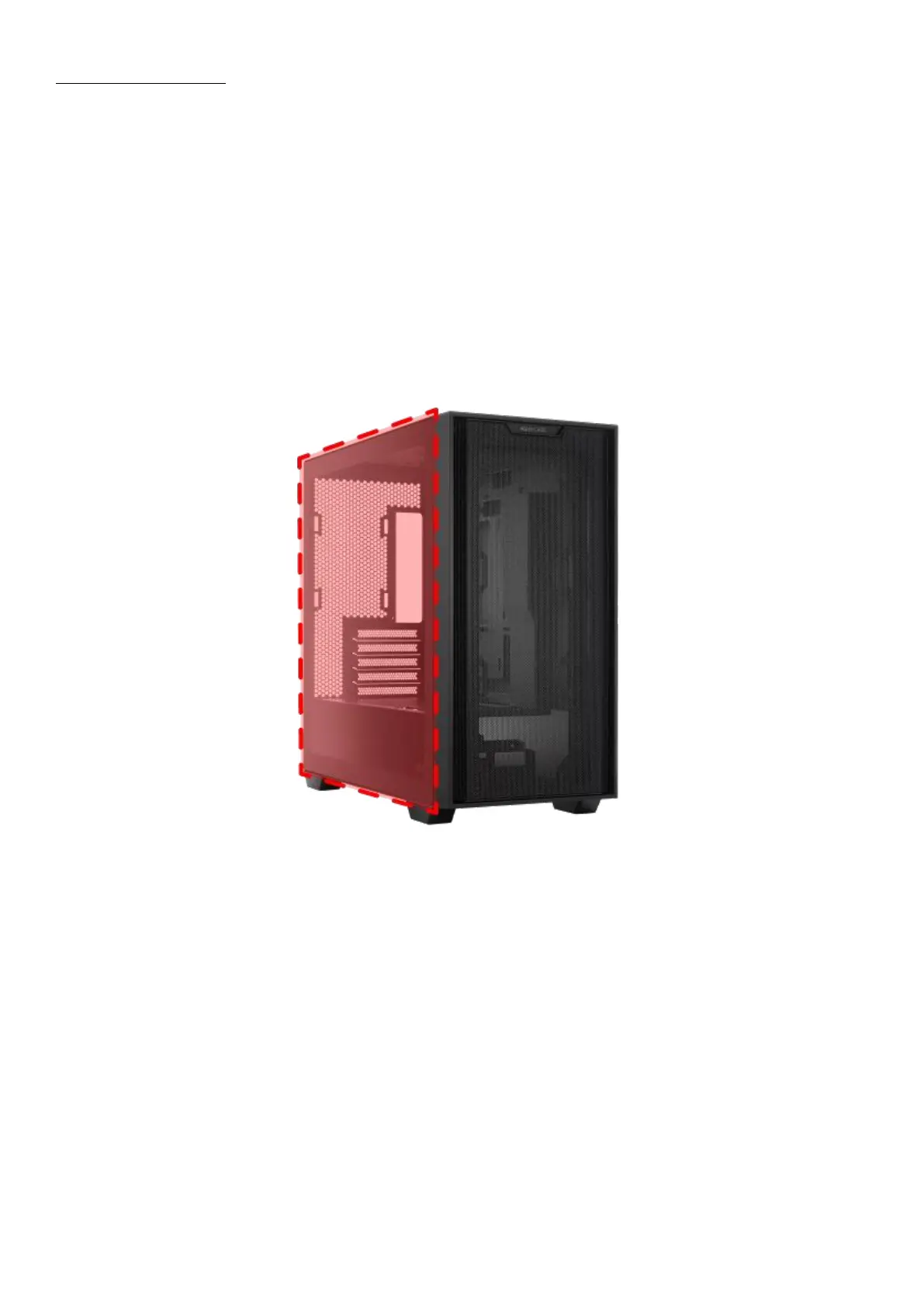
A21 LEFT SIDE DOOR TG BLK/CSC|Black left side door
Fully-assembled. (Consists of Gray tempered glass*1, Front side iron strip*1, Double-sided
tape for front side iron strip*1, Rear side iron strip*1, Double-sided tape for rear side iron
strip*1, Bottom iron strip*1, Double-sided tape for bottom iron strip*1, Upper foam pad*1,
Anti-drop hand-twist screws*2, Warning sticker*1)
Disassembly method: Unscrew the two hand-twist screws on the rear side.
*Please lay the computer case flat on a surface before dismantling to avoid the side panel
falling off.
*Please handle with care when disassembling and assembling the glass side panel to avoid
collision/drop/heavy pressure.


 To Next Page
 Loading...