Chapter 3: Using the Eee PC
3-8
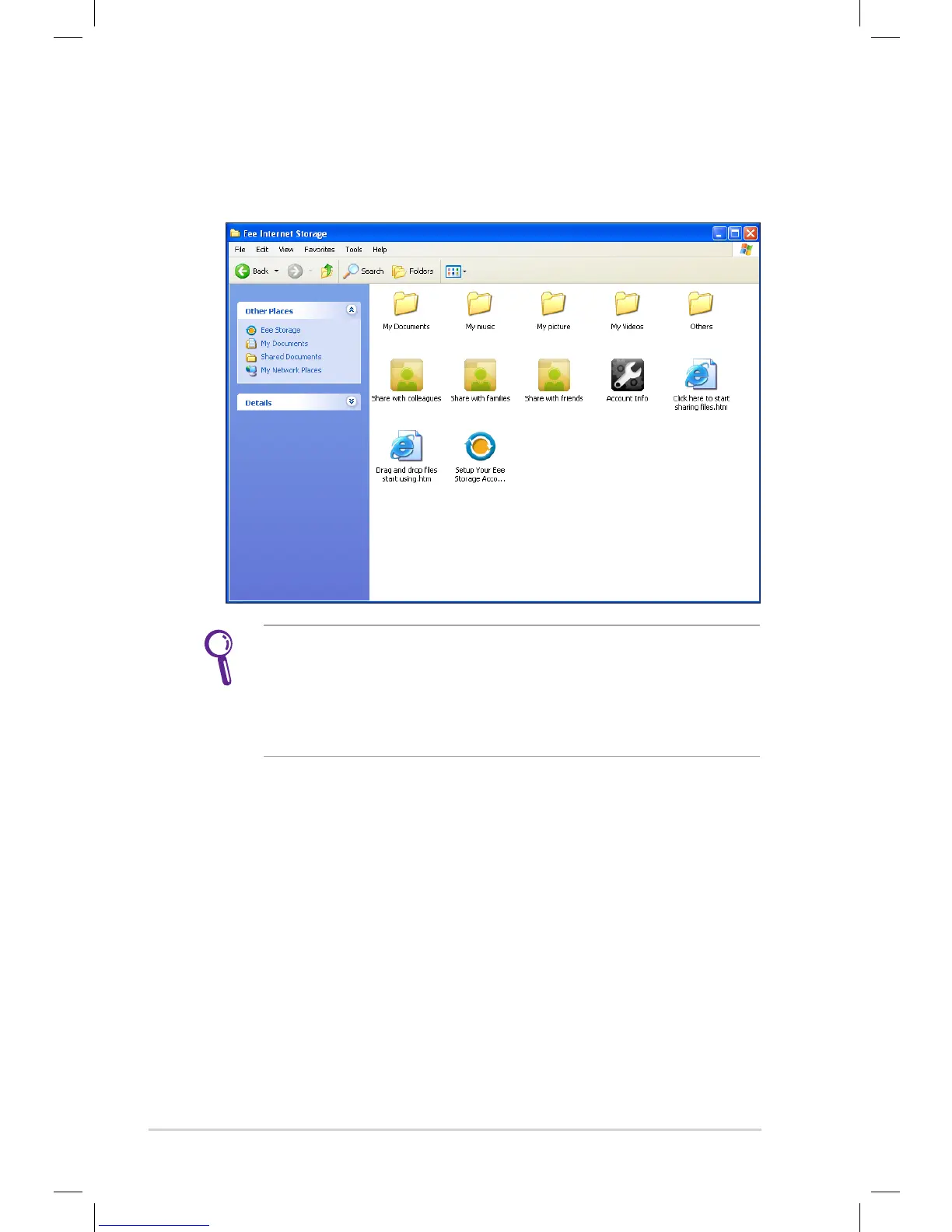
Double-click Setup Your Eee Storage Account information
in the Web Storage folder to apply an account and setup a
password if you need to use more advanced functions. This set
of account and password is also indispensable when you use Eee
Storage service with other computer.
3. You can easily drag and drop to upload files onto your free
online space.






 To Next Page