76
Notebook PC E-Manual
FSO
FS1
FS2
FS3
FS4
0 EFI
<DIR>
ASUSTek Easy Flash Utility
[←→]: Switch [↑↓]: Choose [q]: Exit [Enter]: Enter/Execute
Current BIOS
Platform: X553/453
Version: 101
Build Date: Oct 26 2012
Build Time: 11:51:05
New BIOS
Platform: Unknown
Version: Unknown
Build Date: Unknown
Build Time: Unknown
FLASH TYPE: MXIC 25L Series
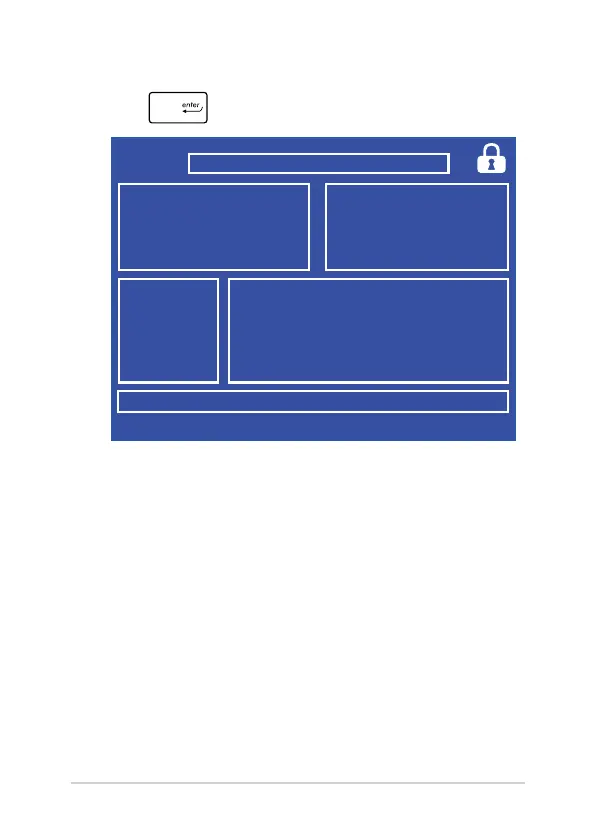
6. Locate your downloaded BIOS le in the ash disk drive then
press
.
7. After the BIOS update process, select Exit > Restore Defaults to
restore the system to its default settings.



 To Next Page