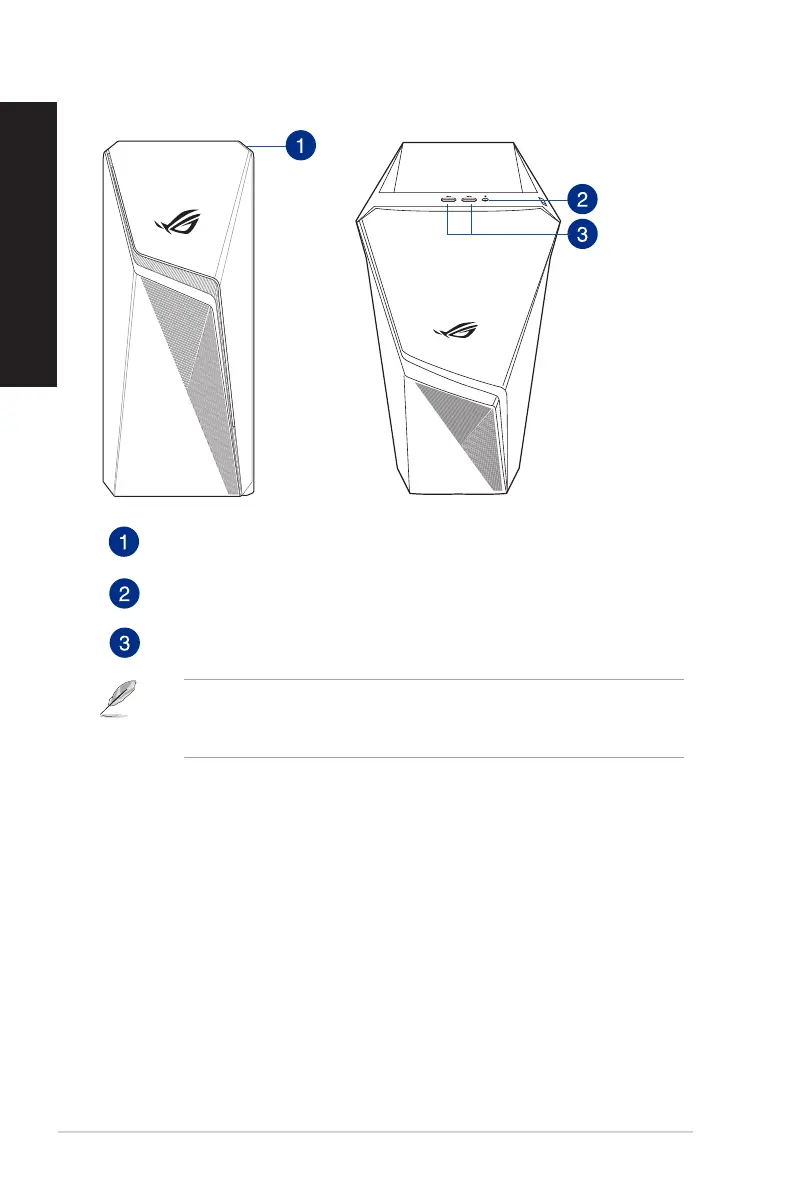
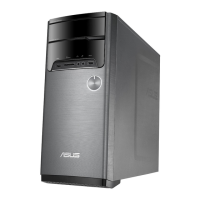
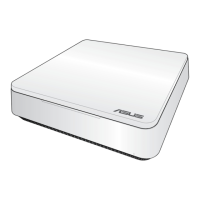
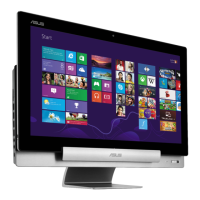
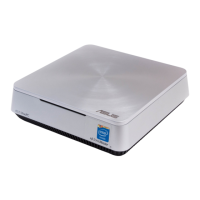
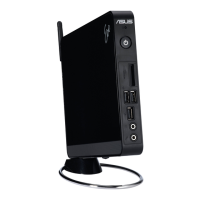
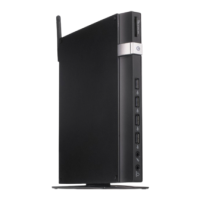
Front Top
Power button. Press this button to turn on your computer.
Headphone port. This port connects to a headphone or speaker.
USB 3.1 Gen 1 ports. These ports connect to USB 3.1 Gen 1 devices such as a mouse,
printer, scanner, camera, PDA, and others.
• USB3.1Gen1devicescanonlybeusedfordatastorage.
• WestronglyrecommendthatyouconnectUSB3.1Gen1devicestoUSB3.1Gen1portsfor
faster and better performance for your USB 3.1 Gen 1 devices.
14 Chapter 1: Getting started
ENGLISH
ENGLISH


 To Next Page