Step 1: Connect the Dongle
● Plug the dongle connector into an USB port.
● SYSTEM will take around 10 sec to find your keyboard and mouse automatically.
Step 2: Inserting battery in mouse
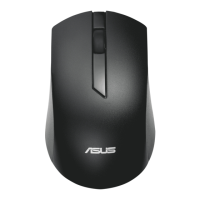
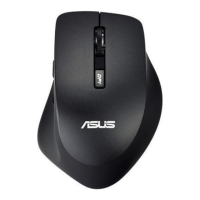
● The mouse requires one alkaline AA battery.
● Remove the battery compartment cover on the bottom of the mouse
● First push the battery puller in then insert one AA battery into battery compartment.
● Close the battery compartment cover.
Step 3: Inserting batteries in keyboard



 To Next Page