46
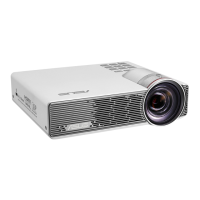
LED projector E-Manual
Image Position
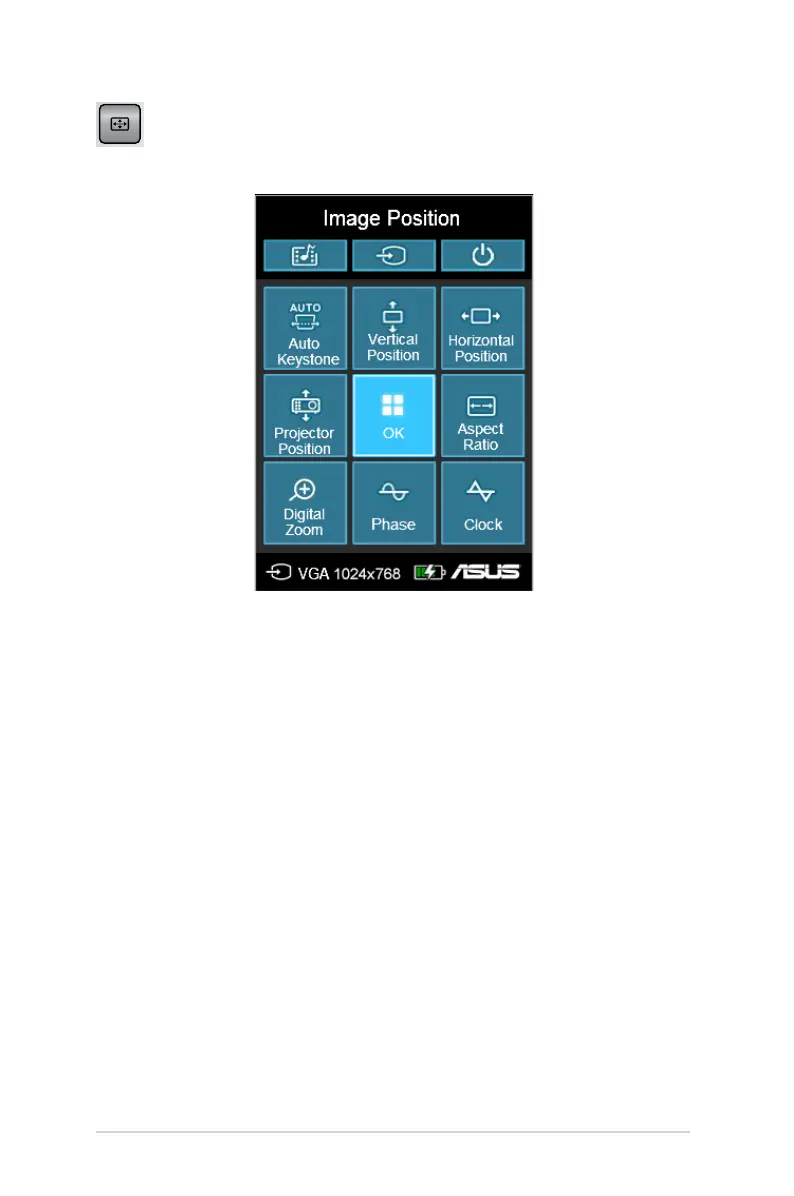
Press this button to access the following image position settings:
• Auto Keystone - This option allows you to automatically adjust
the alignment of your image.
• Horizontal Positioning (for VGA only) - This option allows you
to shift the image’s position horizontally.
• Projector Position - This option allows you to adjust the
position of the projected image based from the location of your
LED projector.
• Vertical Positioning (for VGA only)- This option allows you to
vertically shift the image position.
• Aspect Ratio - This option allows you to change the projection
of your display according to the following aspect ratios: AUTO,
4:3, 16:9, and 16:10.


 To Next Page