120
Congurando através da interface web
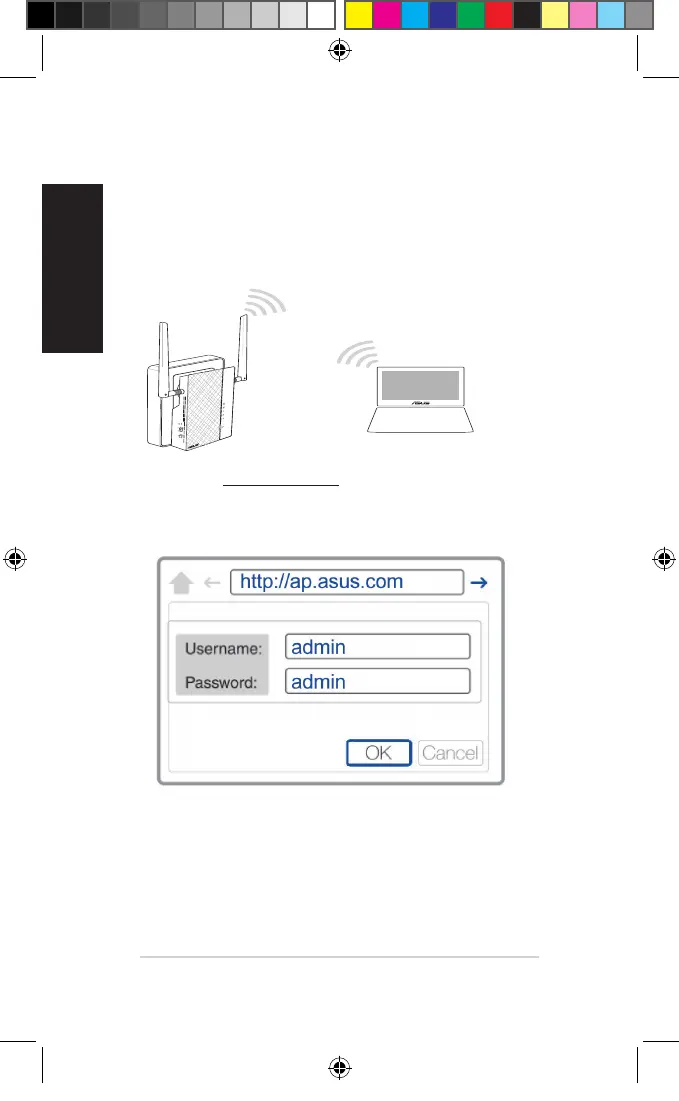
1. Congure o PL-AC56 através de ligação com ou sem os. Para
mais detalhes, consulte a secção Setting up your PL-AC56
(Instalação do PL-AC56).
2. Aceda a http://ap.asus.com
3. Utilize admin como nome de utilizador e palavra-passe.
4. Aceda a Wireless (Sem os) > General (Geral) e dena o
SSID (nome da rede) e a palavra-passe.
5. Quando terminar, clique em Apply (Aplicar).
U11264_PL-AC56_Kit_QSG_Booklet_105x170mm.indb 120 2016-02-04 10:05:12



 To Next Page