92
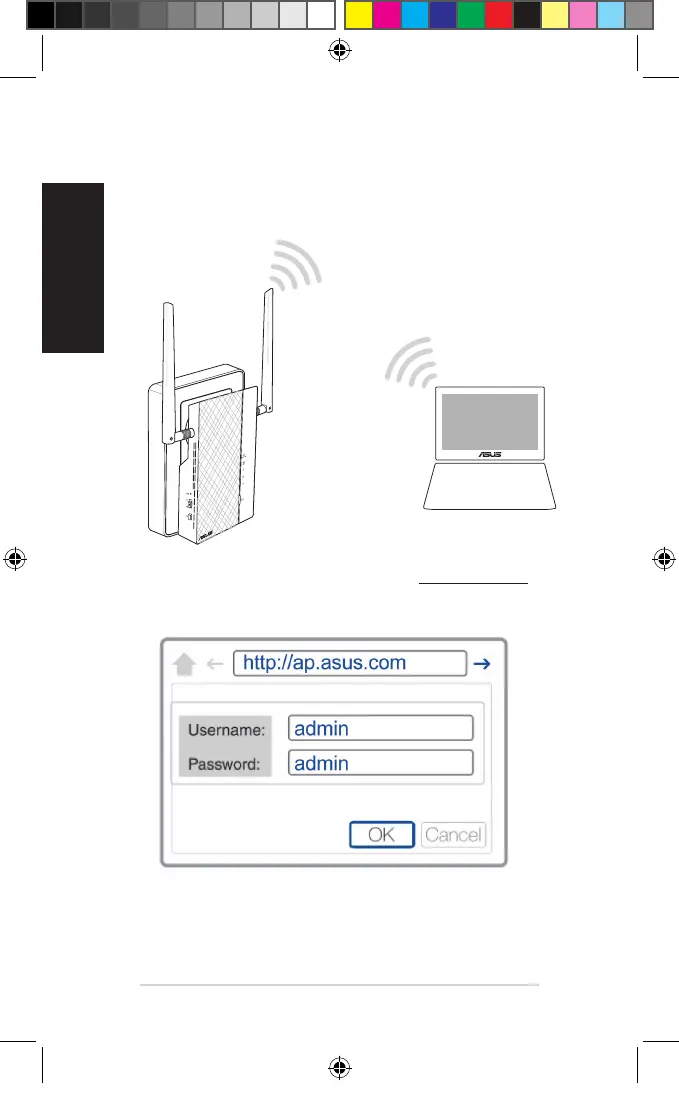
Congurazione tramite interfaccia web
1. Congurate il vostro PL-AC56 tramite rete cablata o wireless. Per
maggiori dettagli fate riferimento alla sezione Installazione del PL-AC56.
2. Nel vostro browser Internet inserite l'indirizzo http://ap.asus.com
3. Usate admin come nome utente e password.
4. Andate su Wireless > General e impostate il SSID (nome rete) e la
password.
5. Quando avete nito cliccate su Apply (Applica).
U11264_PL-AC56_Kit_QSG_Booklet_105x170mm.indb 92 2016-02-04 10:05:07



 To Next Page