6
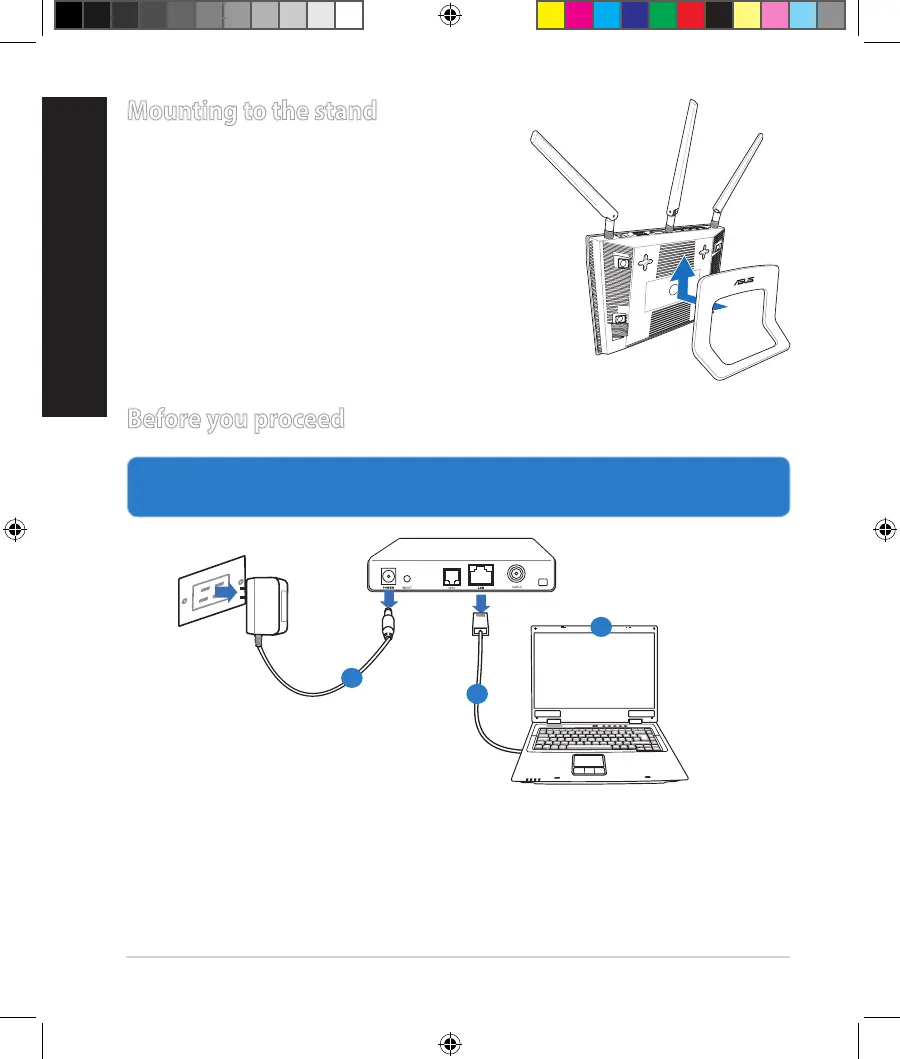
Mounting to the stand
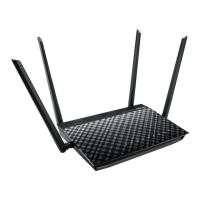
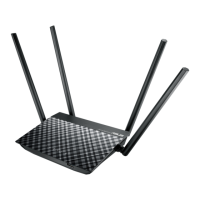
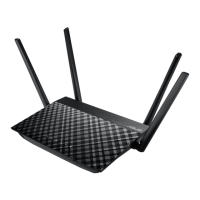
• Alignandinsertthestand’smountinghooks
tothewirelessrouter’smountingholes.
Before you proceed
1. Unpluganddisconnectthewires/cablesfromyourexistingmodemsetup
andreleaseyourcomputer’soutmodedIPaddress.
a: UnplugtheACadapterfromthepoweroutletanddisconnectitfromyour
cable/ADSLmodem.
b: Disconnectthenetworkcablefromyourcable/ADSLmodem.
c: Rebootyourcomputer(recommended).
Modem
OFF!
a
b
c
NA11363_RT-AC1750_QSG.indb 6 2016-02-22 16:25:07


 To Next Page