8
3. Disablesomesettingsonyourcomputer.
A. Disable the proxy server, if enabled.
B. Set the TCP/IP settings to automatically obtain an IP address.
C. Disable the dial-up connection, if enabled.
NOTE:Formoredetailsondisablingyourcomputersettings,referto
Frequently Asked Questions (FAQs).
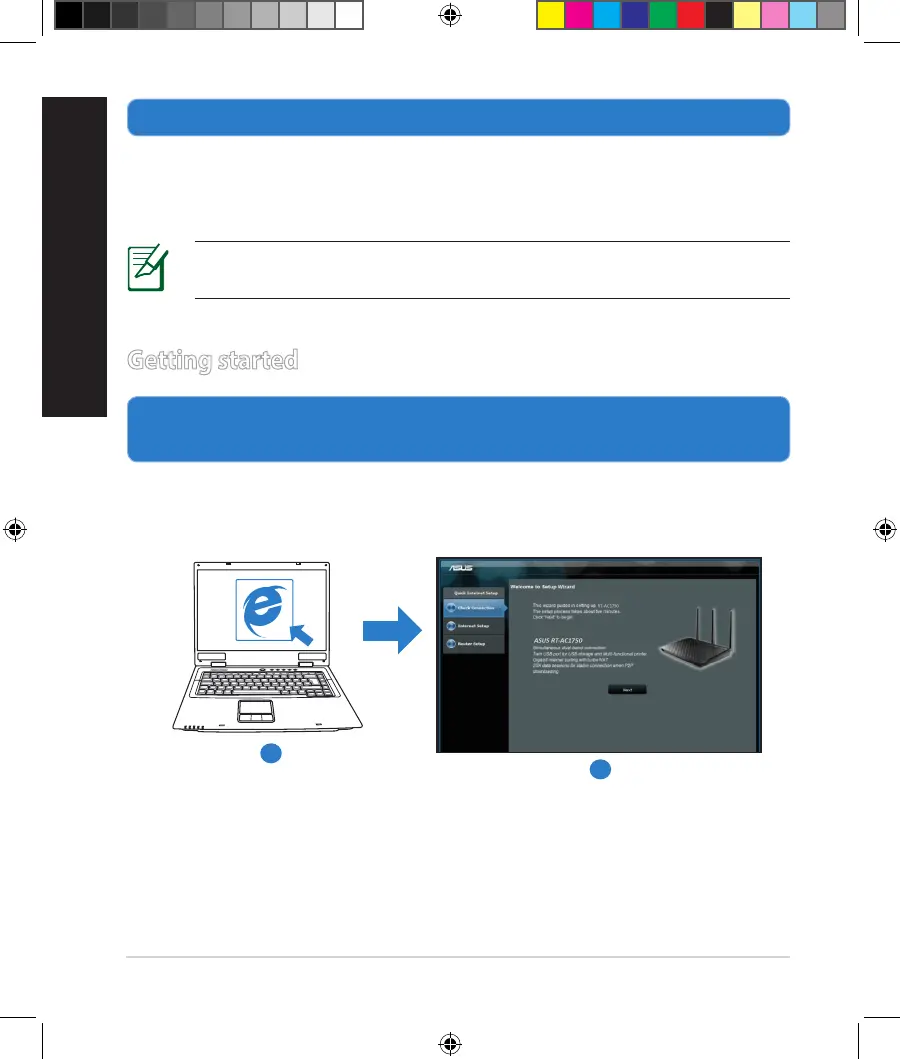
1. Congureyourwirelesssettingsviathewirelessrouter’swebgraphics
userinterface(webGUI).
a: LaunchyourwebbrowsersuchasInternetExplorer,Firefox,GoogleChrome,
orSafari.
Getting started
b
a
NA11363_RT-AC1750_QSG.indb 8 2016-02-22 16:25:07


 To Next Page