34
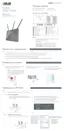
4. Create your domain name via the ASUS DDNS services, read
the Terms of Service and then select I will use the service and
accept the Terms of service and key in your domain name.
When done, click Next.
You can also select Skip ASUS DDNS settings then click Next
to skip the DDNS setting.
5. Click Finish to complete the setting.
6. To access the FTP site that you created, launch a web browser
or a third-party FTP client utility and key in the ftp link
(ftp://<domain name>.asuscomm.com) you have previously
created.
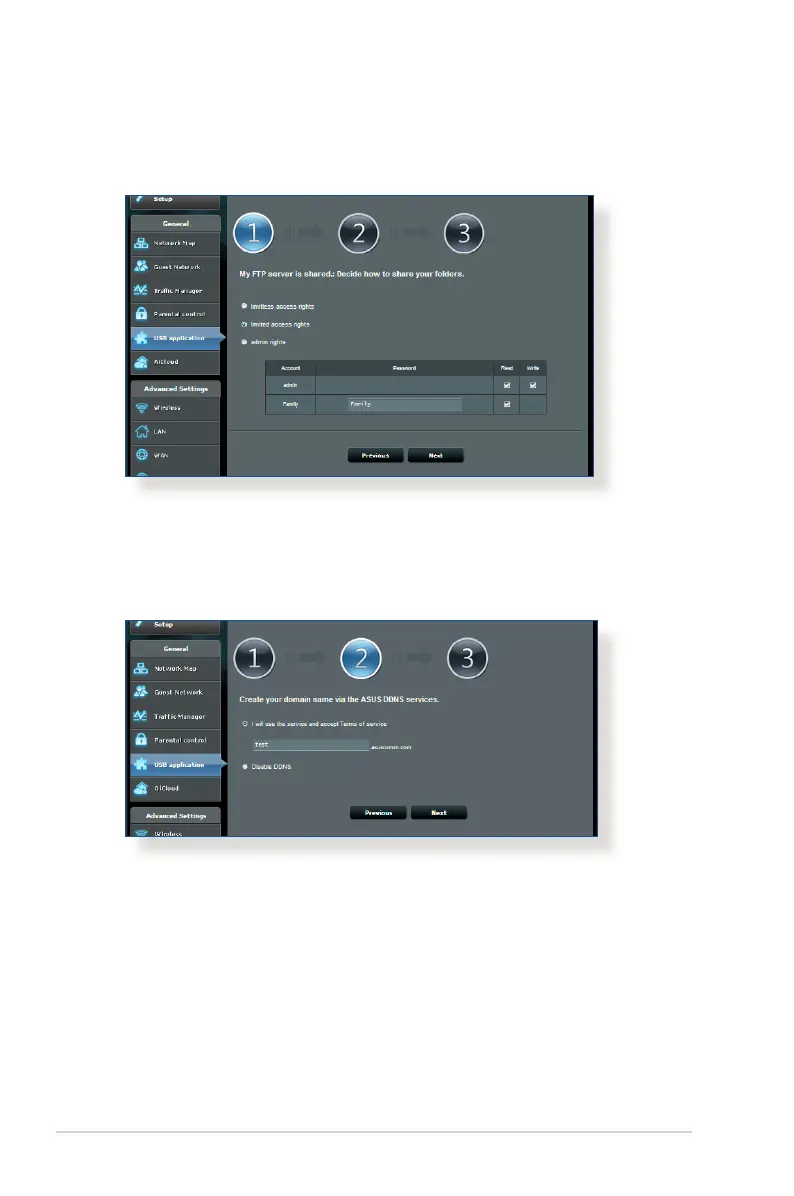
3. Select the access rights that you want to assign to the clients
accessing your shared data.



 To Next Page