4
Position your wireless router
For optimal wireless transmission between the wireless router and connected
wireless devices, ensure that you:
• Placethewirelessrouterinacentralizedareaforamaximumwirelesscoverage
forthenetworkdevices.
• Keepthewirelessrouterawayfrommetalobstructionsandawayfromdirect
sunlight.
• Keepthewirelessrouterawayfrom802.11gor20MHzonlyWi-Fidevices,
2.4GHzcomputerperipherals,Bluetoothdevices,cordlessphones,transformers,
heavy-dutymotors,uorescentlights,microwaveovens,refrigerators,andother
industrialequipmenttopreventsignalinterferenceorloss.
• Alwaysupdatetothelatestrmware.VisittheASUSwebsiteat
http://www.asus.comtogetthelatestrmwareupdates.
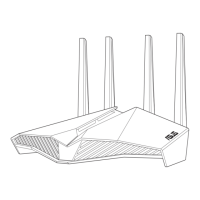
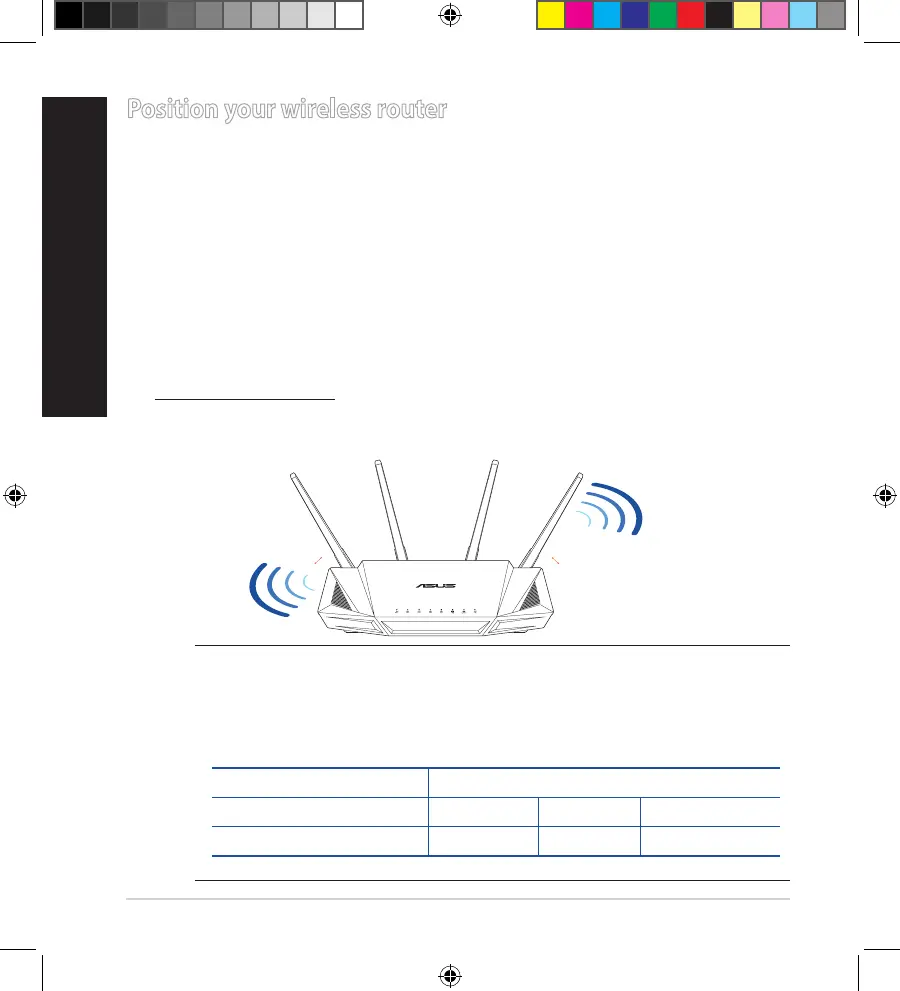
• Toensurethebestwirelesssignal,orientthefournon-detachableantennasas
shown in the drawing below.
NOTES:
• Useonlytheadapterthatcamewithyourpackage.Usingother
adapters may damage the device.
• Specications:
DC Power adapter DC Output: +19V with 1.75A current
Operating Temperature 0~40
o
C Storage 0~70
o
C
Operating Humidity 50~90% Storage 20~90%
45
°
45
°
Q15931_RT-AX3000_QSG.indb 4 2019/10/8 14:38:53


 To Next Page
 Loading...