Sign into a Microsoft account:
If you wish to download new applications and experience other Microsoft services, you will need to have
your own Microsoft account.
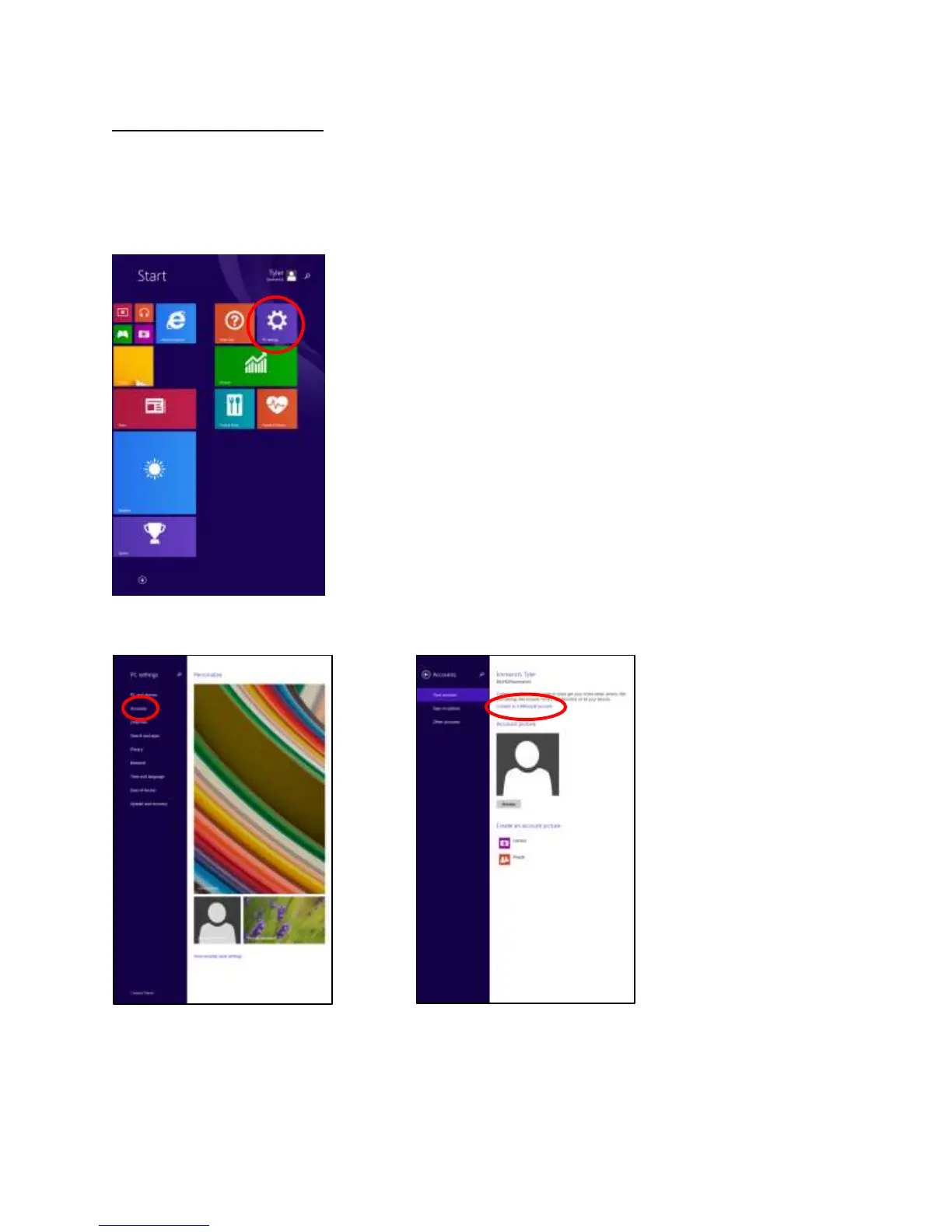
From the Start Screen, swipe right and tap PC settings.
Tap on Accounts. Choose “Connect to a Microsoft account”














 To Next Page