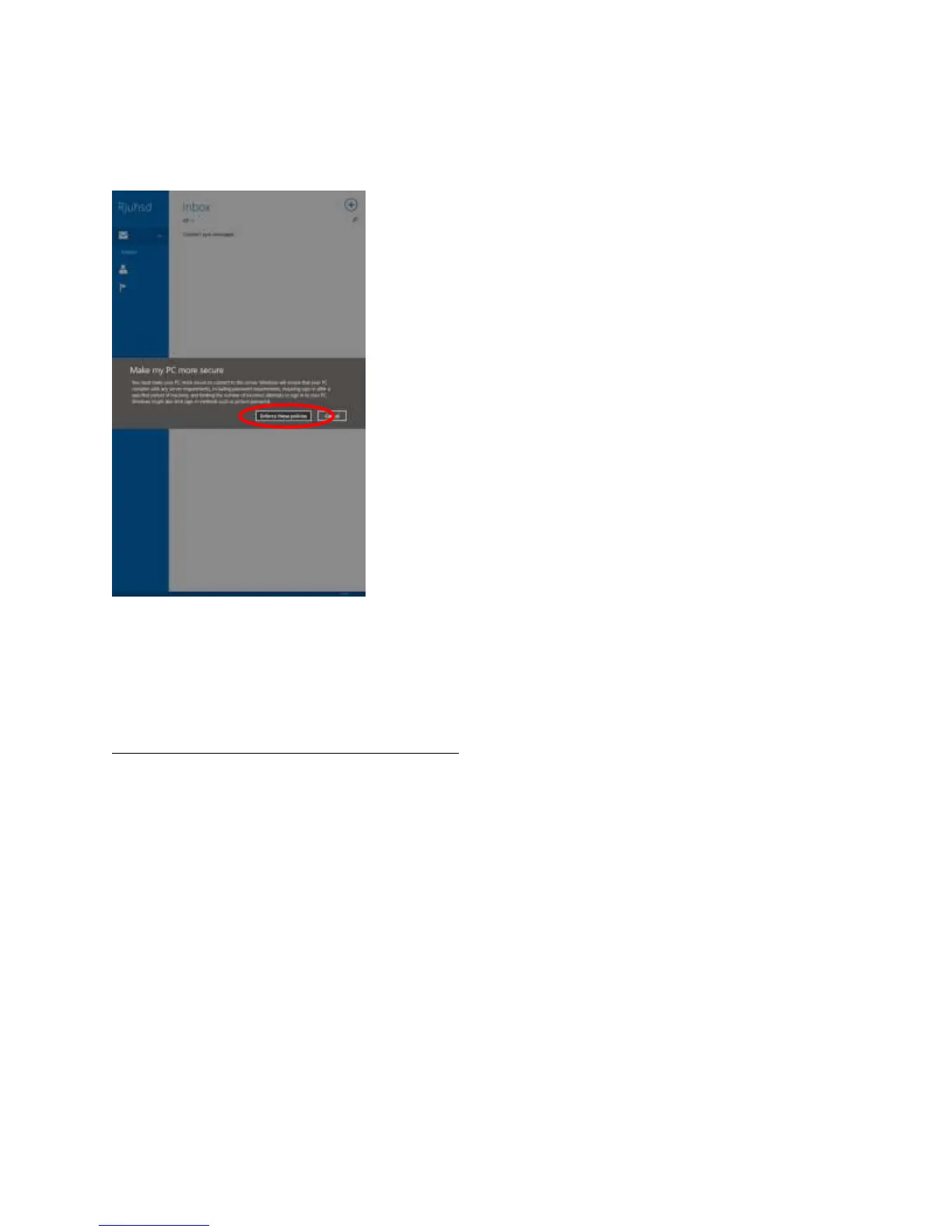
Click Enforce these policies.
The application will now sync with the server and download your emails.
Access your email using Outlook 2013 (optional):
If you wish to access your email through the desktop Outlook 2013 application instead of or in addition
to the default Mail application, the following will walk you through how to set that up.
Note: Outlook 2013 will only work when you are connected to the district network. (RJUHSD-Staff)
On the Start Screen, swipe up to access all apps.
Under Microsoft Office 2013, tap Outlook 2013 to load Outlook.














 To Next Page