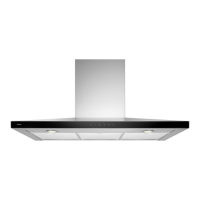
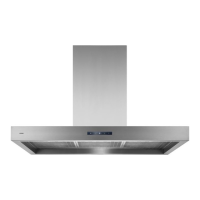
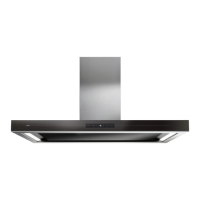
EN 5
USE
Description
1. Switching on/off and dimming the lighting
2. Reducing air extraction capacity and switching off
3. Cleaning filter indicator
4. Proximity sensor
5. Display status
6. Proximity sensor
7. Wifi icon (‘Connected’ models / See ‘Manual connect Life’)
8. Switching on and increasing air extraction capacity
9. Timer function indicator
1 2 3 4 5 6 8 9
1 2 3 4 5 6 7 8 9


 To Next Page