Getting started
7
Battery installation and charging
IMPORTANT INFORMATION
1. Use only the supplied rechargeable battery or replacement battery (model
BT8001). To order, visit our website at
www.telephones.att.com or call
1 (800) 222-3111. In Canada, dial 1 (866) 288-4268.
2. If you do not use the handset for a long time, disconnect and remove the battery
to prevent possible leakage.
Step 3
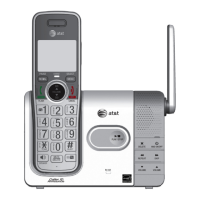
Charge the handset by placing it face forward in the
telephone base or charger. The CHARGE light on the top
of the handset is on during charging.
CHARGE light
Step 1
Plug the battery connector securely into
the socket inside the handset battery
compartment, matching the color-coded
label. Insert the supplied battery with the
label THIS SIDE UP facing up as indicated.
Step 2
Align the cover flat against the
battery compartment, then slide
it upwards until it clicks into
place.


 To Next Page
 Loading...