B OFFSET Do not change the value which is currently set.
SUB CON Do not change the value which is currently set.
SUB BRI Do not change the value which is currently set.
AUTO COLOR Do not change the value which is currently set.
TTX AREA Do not change the value which is currently set.
TTX TOP Do not change the value which is currently set.
LANGUGAE Do not change the value which is currently set.
PANEL Do not change the value which is currently set.
TUNER Do not change the value which is currently set.
PIN ON Do not change the value which is currently set.
OPTION
CART s currently set.
S Do not change the value which i
RESET Used to reset to factory default
EDID/HDCP ON/OFF
Used to transfer EDID/HDCP data
..(NO/YES)
ISP ON/OFF Used to update the program. (NO/YES)
4.
2. Move to Factory Menu using Service Remote Controller or User Remote Controller.
Firmware upgrade
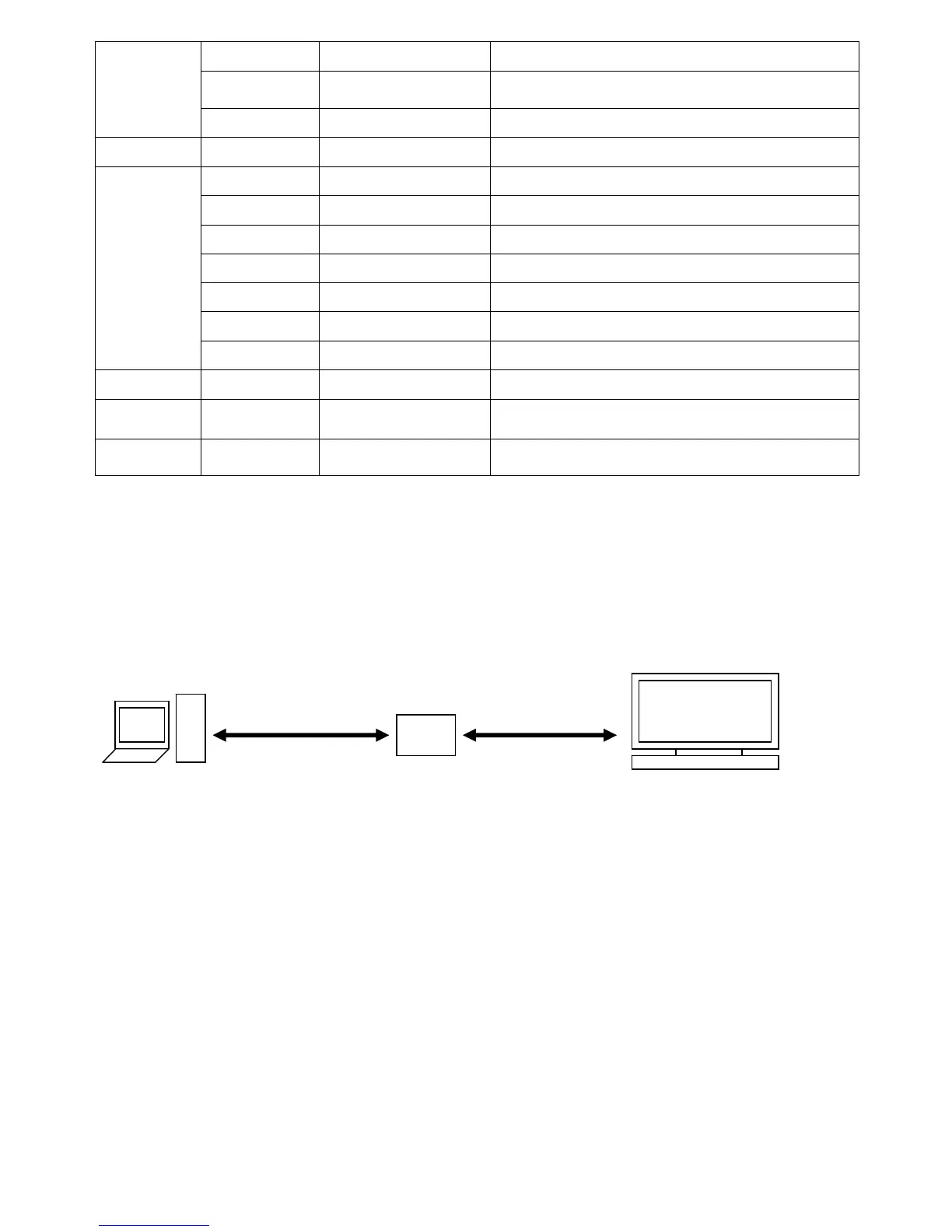
- How to use Download Program and Cable Connection.
PC Jig for VCT or MTV Target SET
Parallel
Cable
DSUB Cable
1. Turn on the POWER.


 To Next Page
 Loading...