CAUTION
• Do not try to forcefully pull the connector out.
If the connector feels stuck. Follow these steps:
-Turn the key OFF and back ON again
-Gently PUSH the connector in and then
try to PULL it out again. It should come
out eortlessly.
• Remove the key once your scooter is connected
to the charger or disconnected from the
charging cable.
• Do not turn the key ON and pull out the
connector at the same time. Wait for 5 seconds
before you pull the connector out.
• Do not remove the connector while your scooter
is charging. You run the risk of damaging the
connector and/or the scooter.
• Do not place the charger on the seat while the
scooter is charging. The seat is not flame
retardant and might ignite as the charger
heats up.
• Do not use any extension box.
WHAT DOES THE LED SAY?
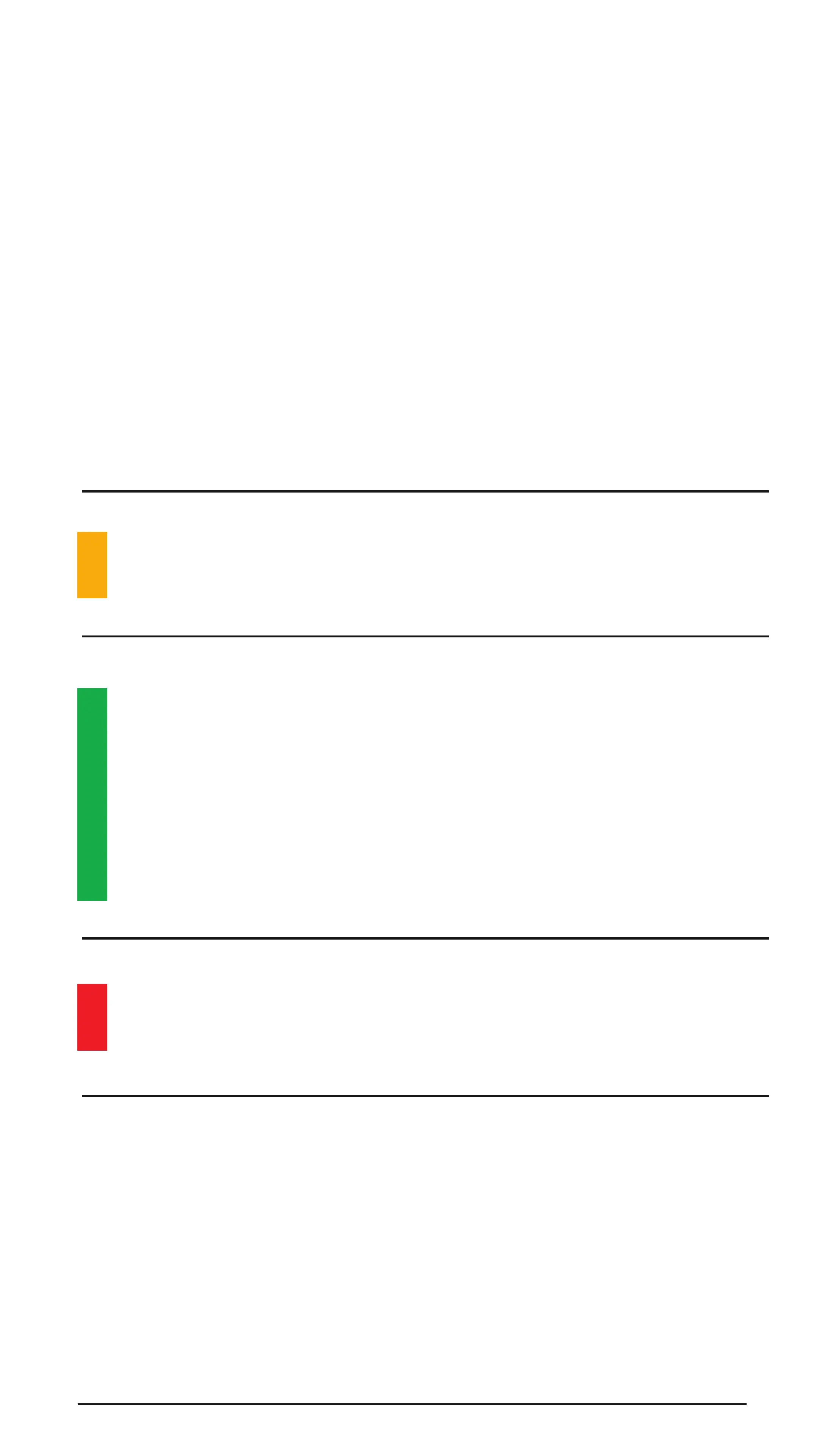
The charger tells you what it’s up to, with an LED
light that changes colours
Solid amber light: Charger software is being
updated over the air.
Solid green light: When not connected to the
scooter, the charger is functional.
When connected to the scooter, charging
is complete.
Blinking green light: Charging in progress.
Solid red light: Fault in the charger. Please
contact customer support.
No light: No power.
CHARGE IT UP 31


 To Next Page
 Loading...