ENG
Create the camera name (Camera name must be applied; Description is not
obligated) and its description. Press Continue to next step.
It will take few seconds to register the camera into remote server.
The setup is completed.
[+Cam/+CamHD] Please switch the WiFi setup mode to OFF now.
Turn on the Wi-Fi of your iPhone/SmartPhone to connect Internet through 3G or
connect to the Wi-Fi router. After this procedure, you can use your
iPhone/SmartPhone to see the camera anywhere in the world.
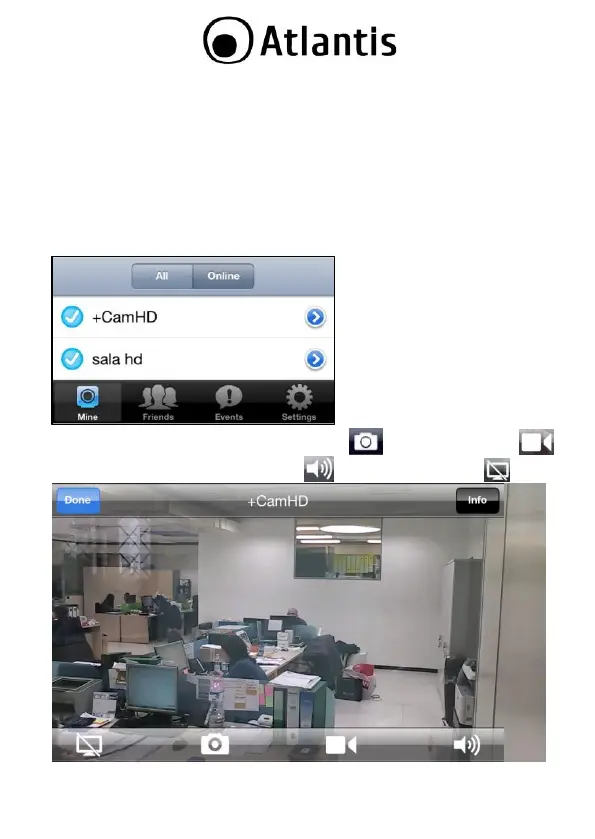
Launch iSecurity+ and LogIn using the existing account. Now select Camera
Name and immediately You can watch the video locally or remotely.
Once video started You can take a snapshot ( ) or record a video ( )
directly into SmartPhone. Audio Muting ( ) and Audio-Only Mode( ).



 To Next Page