Adding Water and Ground Coee
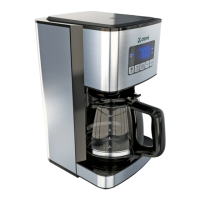
1. Open the top lid of the Sma Coee Maker.
2. Place a 10–12 cup paper basket-style filter or
the included reusable filter into the removable
filter basket.
NOTE: If using paper filters, it is impoant that the sides of the filter fit flush
against the side of the filter basket. If filter collapse occurs, dampen the filter
before placing in the filter basket. Add the desired amount of coee and
gently shake to level the coee.
3. Fill the water reservoir with cold, fresh water
to the desired capacity (1 cup equals 5 ounces).
For easy and accurate filling, the water markings on
the water reservoir show the amount of water
needed to make the corresponding desired
number of cups. Do not fill past the “12 cup MAX line”
or water will flow out of the Sma Coee Maker.
Cleaning and Maintaining
your Sma Coee Maker
Daily Cleaning
Always unplug the Sma Coee maker and allow
to cool before cleaning.
• Remove and wash the filter basket, permanent filter,
carafe and carafe lid in a solution of hot water and
mild liquid soap.
• Never use abrasive cleansers, steel wool pads or other
abrasive materials.
• DO NOT put carafe and lid in the dishwasher.
CAUTION: Never immerse the Sma Coee Maker itself in water, in any other
liquid or place in the dishwasher.
Cleaning the Glass Coee Carafe
Hard water can leave a white stain on the carafe, and
coee may then turn this stain brown.
To remove carafe stains:
1. Fill the carafe with a solution of equal pas
water and vinegar and let the solution stand in the
carafe for approximately 20 minutes.
2. Discard the solution, then wash and rinse the carafe.
Do not use harsh abrasive cleaners that may scratch
the carafe.
15 16
Change Set Time
Set time through atomi sma app.
Open up the atomi sma app, choose your Sma Coee
Maker then select the clock icon to automatically
configure clock seings.
Set time manually.
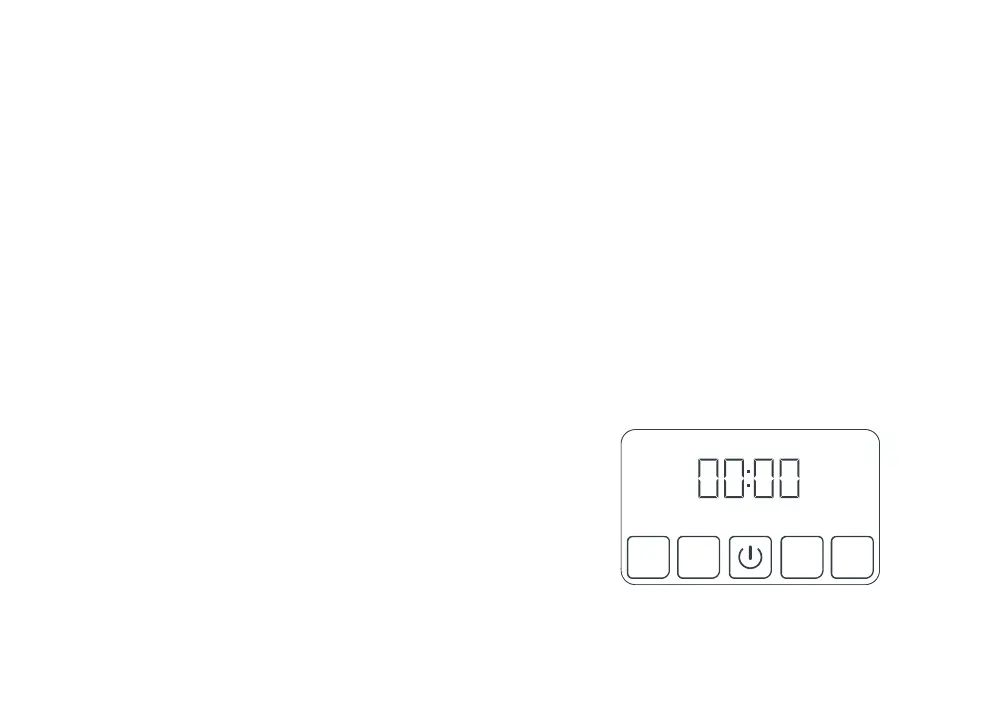
1. Hold down the HOUR buon until “00:00” is blinking
on the display.
2. Set current hour by pressing the HOUR buon.
3. Press POWER buon to select and save.
4. Hold down the MIN buon until “00:00” is blinking
on the display.
5. Set current minute by pressing the MIN buon.
6. Press POWER buon to select and save.
TIMER
STRONG
MIN
HOUR
1. Aer completing the steps in the Adding Water and
Ground Coee section and with the carafe and the
filter basket securely in place, turn the Sma Coee
Maker on by pressing the POWER buon once.
The POWER buon light will turn on to signal that
the Sma Coee Maker is on and brewing.
NOTE: Brew can be stopped by pressing the POWER buon a second time.
2. Aer the used coee grounds have cooled, carefully
remove the filter basket and discard them.
NOTE: The brew basket drawer is hot aer brewing. Always allow the
Sma Coee Maker to cool down before cleaning.
3. Make sure the Glass Coee Carafe is empty and in
place before staing to brew coee.
4. Be sure to turn your Sma Coee Maker o when
no longer using it.


 To Next Page
 Loading...