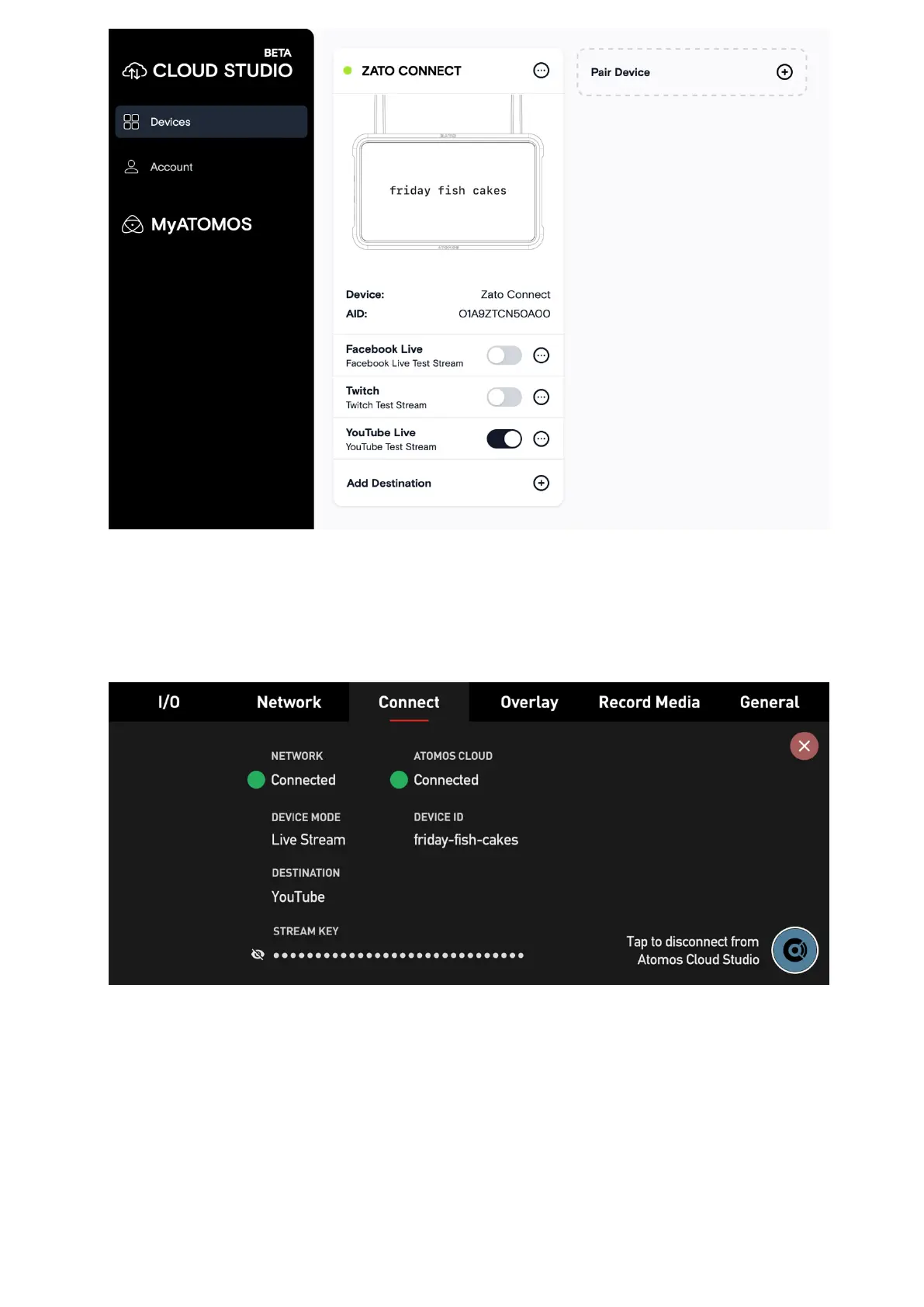
The ZATO CONNECT will receive the destination information within seconds and displays
them in the "Destination" and "Stream Key" fields, which were previously empty. For privacy
purposes, the Stream Key is hidden, but you can toggle its visibility by tapping on the "Eye"
icon on the left.
Once all the destination information is available on the ZATO CONNECT, you can start or
stop the streaming output via the LIVE button in the top menu bar.!



 To Next Page