EasyManua.ls Logo

Attwood 11901 - User Manual

Attwood 11901
28 pages
Print Icon
To Next Page IconTo Next Page
Loading...
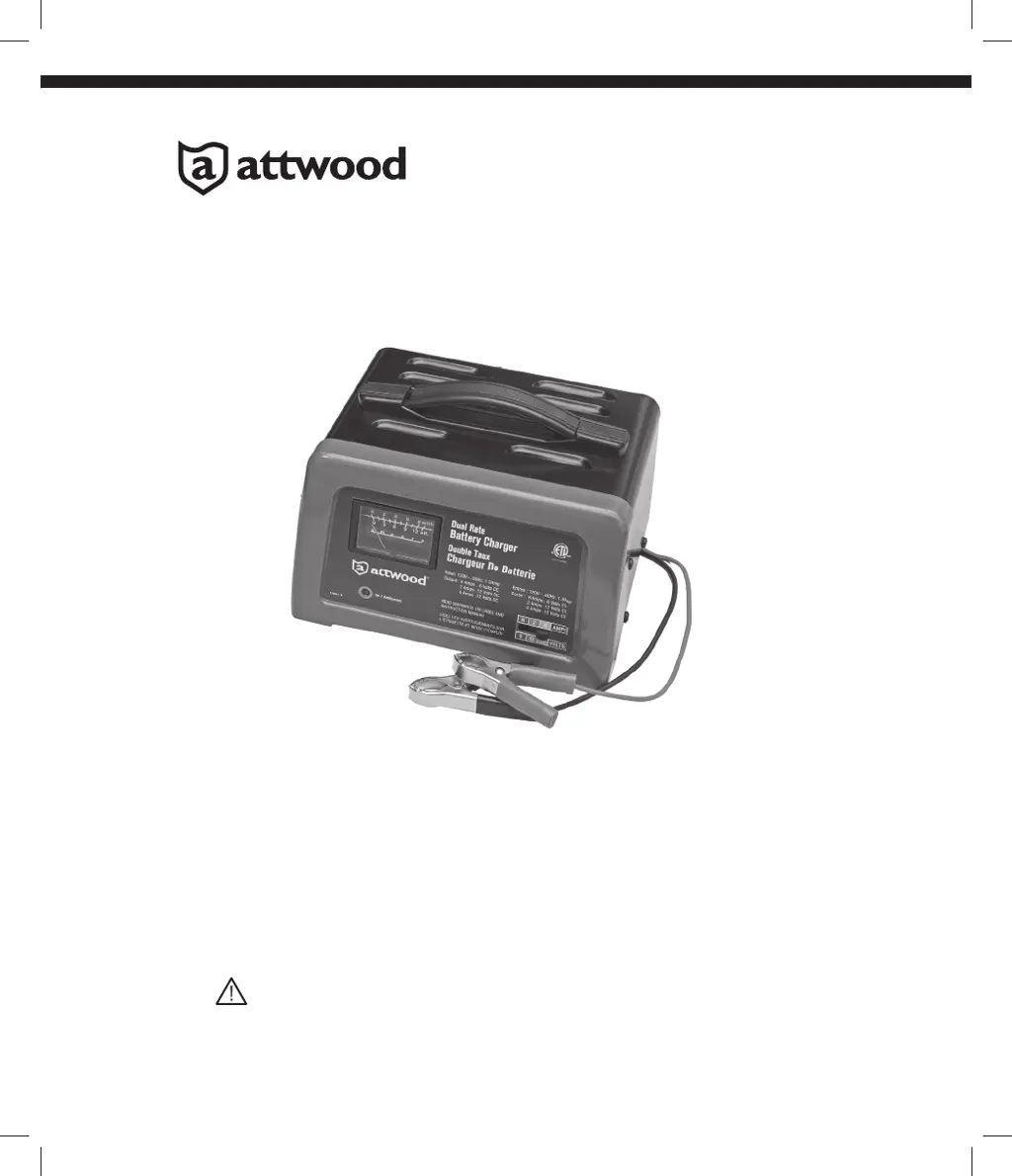
BATTERY CHARGER
DC 12V, 2A/6A & DC 6V,6A
WARNING : READ THE ENTIRE MANUAL BEFORE USING THIS PRODUCT.
FAILURE TO DO SO CAN RESULT IN SERIOUS INJURY OR DEATH
OWNER’S MANUAL
MODEL : 11901
09/13 69523 Rev. A

Questions and Answers

  • C
    Christopher FieldsJul 29, 2025
    Why is there no reading on the ammeter of my Attwood 11901 Battery Charger?
    • B
      Barry ChenJul 29, 2025
      If the ammeter on your Attwood Battery Charger isn't showing a reading, several things could be happening: * The charger might not be plugged into an A.C. outlet, so ensure it's properly plugged in. * There might be no power at the outlet itself. Check the fuse or circuit breaker. * The clips may not be making good contact with the battery. Clean the connection points and rock the clips back and forth. * The connections could be reversed, so unplug the charger and reverse the clips. * The battery might be defective and unable to accept a charge. Have the battery checked. * If you're using the 2 amp charge rate, the ammeter might not show any activity.
  • J
    Jason VanceAug 8, 2025
    What to do if the ammeter reading stays high on my Attwood Battery Charger?
    • I
      ijacobsAug 8, 2025
      If the ammeter reading remains high on your Attwood Battery Charger, it could be due to a severely discharged battery. Try charging the battery for an additional two hours. If the problem persists, have the battery checked. Alternatively, the battery voltage may be incorrect. Verify that the voltage settings or output ratings on the charger are correct for your battery.
  • C
    Cassandra ReillyAug 19, 2025
    Why does the ammeter read less than selected charge rate on my Attwood 11901?
    • M
      Michael SheltonSep 12, 2025
      If the ammeter reads less than the selected charge rate when charging a discharged battery with your Attwood Battery Charger, it could be due to several reasons. An extension cord that is too long or has too small a wire gauge can cause this issue. Also, a weak cell or sulfated plate in the battery could be the cause. A sulfated battery may eventually take a normal charge if left connected. If not, have it checked. Try using a shorter or heavier gauge extension cord.

Summary

Important Safety Instructions

Hazard Warnings

Covers burst, shock, and explosive gas hazards associated with battery charging.

Personal Safety Precautions

Outlines essential personal safety measures to take when working with batteries.

Preparing to Charge

Charger Location Guidelines

Specifies optimal placement for the battery charger to ensure safe operation and longevity.

DC Connection Precautions

Details critical safety steps for connecting and disconnecting the charger's DC output clips.

Battery Charging Procedures

Charging Battery in Vehicle

Step-by-step instructions for charging a vehicle-installed battery, emphasizing spark prevention.

Charging Battery Outside Vehicle

Procedure for charging a battery removed from a vehicle, focusing on safe connection and disconnection.

Assembly and Component Overview

Control Panel Functions

Explains the functionality of the charge rate selector, ammeter, and LED indicators.

Protective Functions

Details the charger's built-in safety features like overcharge, reverse polarity, and overheat protection.

Operation, Maintenance, and Storage

Operation Instructions

Guidance on the correct procedure for charging batteries.

Maintenance Instructions

Procedures for cleaning and maintaining the battery charger.

Storage Instructions

Recommendations for storing the battery charger safely.

Troubleshooting Guide

Ammeter Reading Issues

Addresses problems related to no ammeter reading or consistently high readings.

Charging Performance Issues

Resolves common issues such as the charger not charging or low measured current.

Attwood 11901 Specifications

General IconGeneral
Voltage12V
Input Voltage120VAC
Output Voltage12VDC
Stages3-Stage
Protection FeaturesReverse Polarity