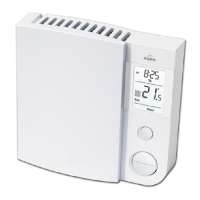
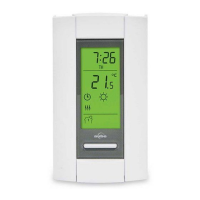
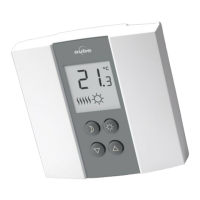
9
Resetting the thermostat (default settings)
NOTE: All parameters, except the clock (time and day), return to their default
settings when the thermostat is reset.
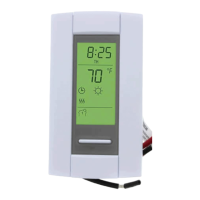
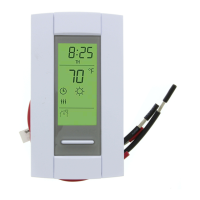
1. Press the Mode button until Standby appears on the screen.
2. Press the
button for 6 seconds.
3. The thermostat will display rSt (reset) for 2 seconds to indicate it is reset and
will then return to normal display.
Power outage
During a power outage, the thermostat display remains lit for the first 2 minutes.
During this time, the LP (low power) indicator appears and all buttons are
disabled. Then the screen turns blank. The settings are stored in memory. When
power returns, the thermostat returns to the mode of operation preceding the
power outage. If the power failure has exceeded 5 hours, the clock and date
must be re-adjusted.
Specifications
Supply: 120/240 VAC, 60 Hz
Minimum load: 0.83 A (resistive only)
200 W @ 240 V AC
100 W @ 120 V AC
Maximum load: 14.6 A (resistive only)
3500 W @ 240 V AC
1750 W @ 120 V AC
Display range: 32 °F to 99 °F (0 °C to 50.0 °C)
Setpoint range: 41 °F to 86 °F (5.0 °C to 30.0 °C)
Resolution: 1 °F (0.5 °C)
Storage temperature: -4 °F to 120 °F (-20 °C to 50 °C)


 To Next Page
 Loading...