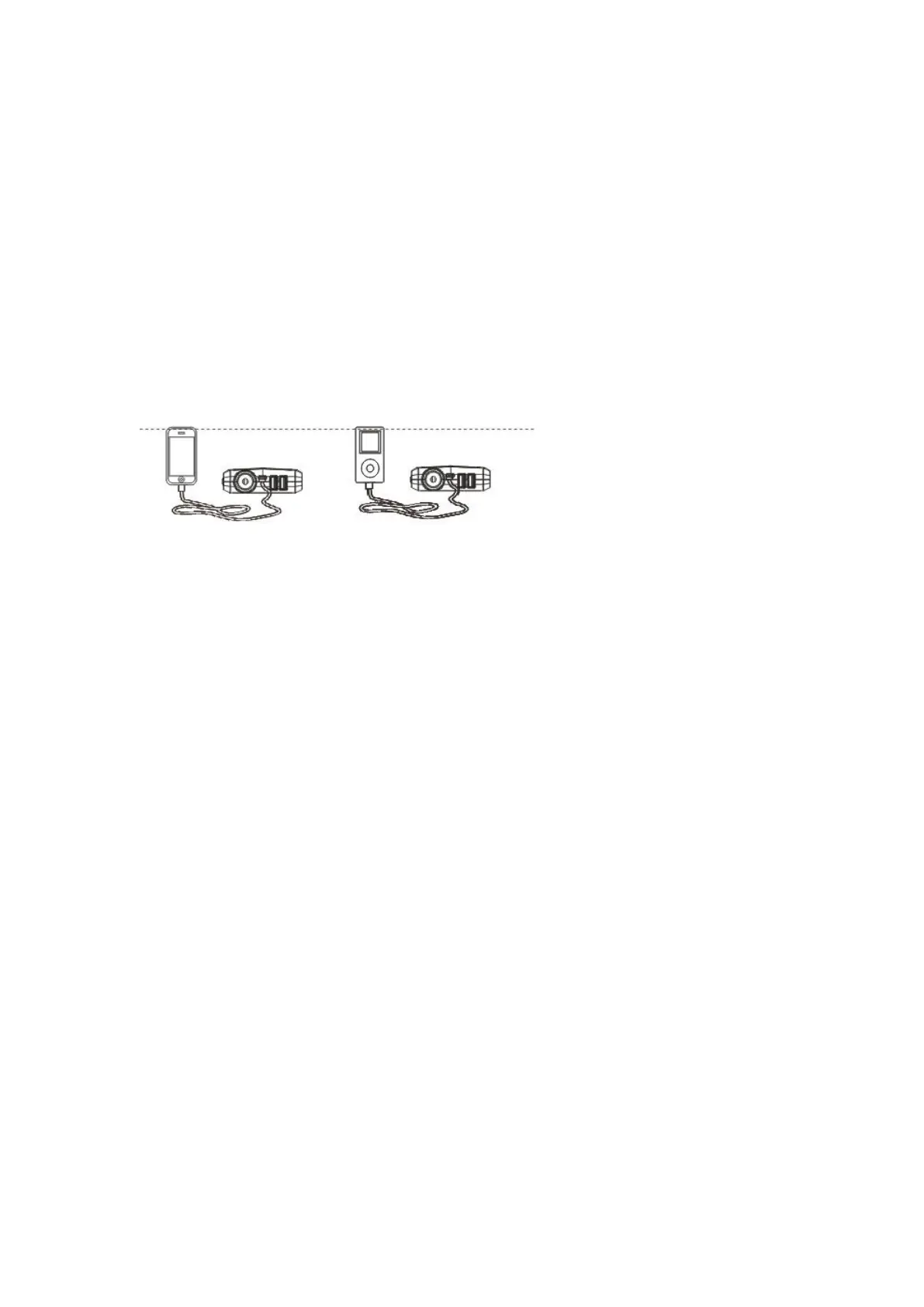
Charging Cell Phone or Tablet Instruction:
1. Plug the switch cable to Type-C output port.
2. Select appropriate connector and connect it to your mobile phones or
tablet.
3. Touch the switch button, it can recognise eletronic products's
suitable parameters, start to charge for mobile phone/tabletc etc.
For power supply to 12V vehicle products or 12V electronics
1. Plug the optional switch cable to 15V 10A output port.
2. Connect the optional switch cable and 12V vehicle product or 12V
electronics.
3. Press the switch button to power supply.
LED flash light
Press the switch 3 seconds to start the LED flash light.
There are 4 modes of LED light appear in order (normal. strobe. SOS. off)
if you press slightly.


 To Next Page