EasyManua.ls Logo

Audi Q4 e-tron 2024 - Page 226

Audi Q4 e-tron 2024
310 pages
Print Icon
To Next Page IconTo Next Page
To Previous Page IconTo Previous Page
Loading...
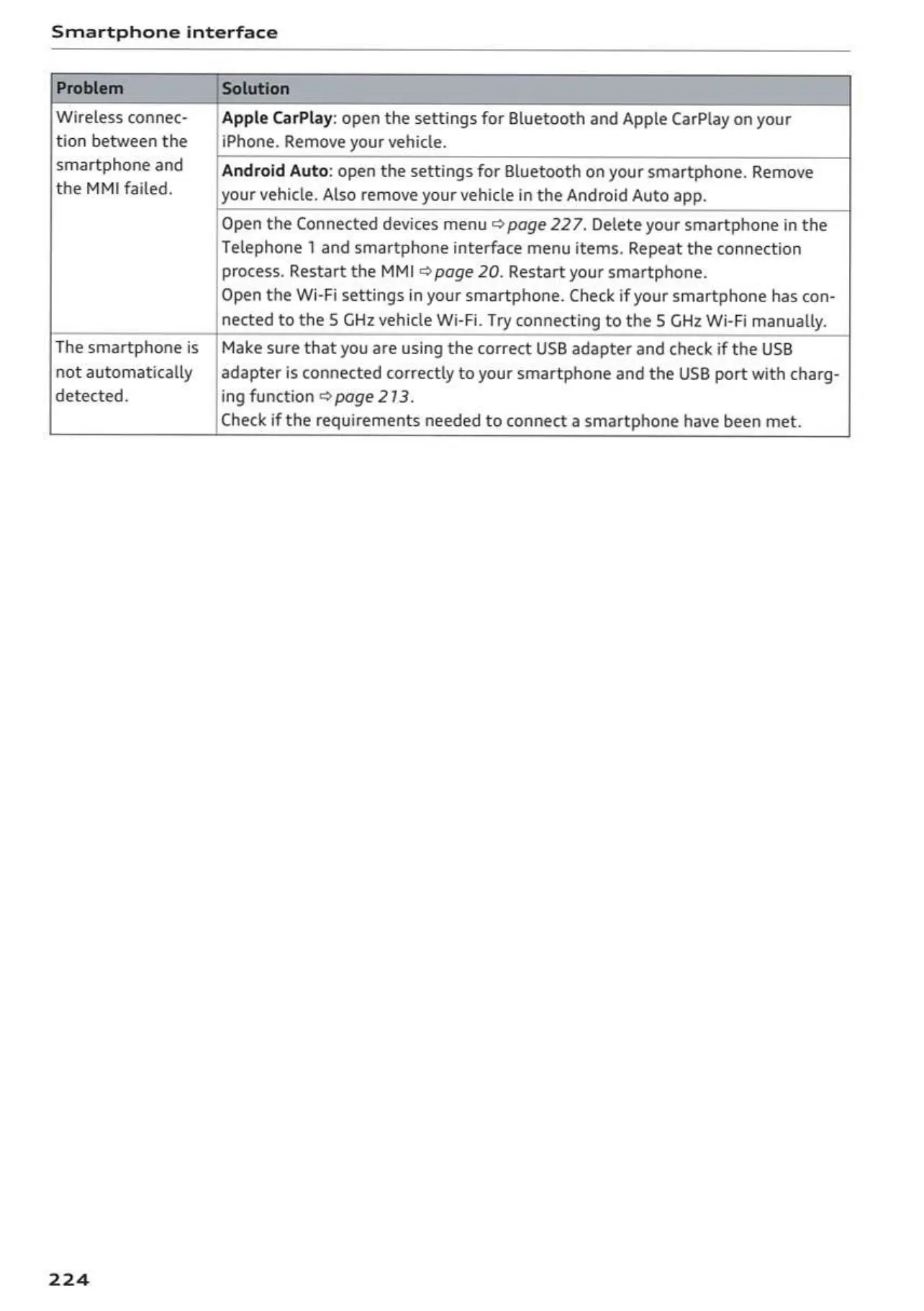
Smartphone
interface
Wireless
connec-
_|
Apple
CarPlay:
open
the
settings
for
Bluetooth
and
Apple
CarPlay
on
your
tion
between
the
_|
iPhone.
Remove
your
vehicle.
smartphone
and
|
android
Auto:
open
the
settings
for
Bluetooth
on
your
smartphone.
Remove
the
MMI
failed.
your
vehicle.
Also
remove
your
vehicle
in
the
Android
Auto
app.
Open
the
Connected
devices
menu
@
page
227.
Delete
your
smartphone
in
the
Telephone
1
and
smartphone
interface
menu
items.
Repeat
the
connection
process.
Restart
the
MMI
©
page
20.
Restart
your
smartphone.
Open
the
Wi-Fi
settings
in
your
smartphone.
Check
if
your
smartphone
has
con-
nected
to
the
§
GHz
vehicle
Wi-Fi.
Try
connecting
to
the
S
GHz
Wi-Fi
manually.
The
smartphone
is
|
Make
sure that
you
are
using
the
correct
USB
adapter
and
check
if
the
USB
not
automatically
|
adapter
is
connected
correctly
to
your
smartphone
and
the
USB
port with
charg-
detected.
ing
function
page
213.
Check
if
the
requirements
needed
to
connect
a
smartphone
have
been
met.
224
OwnersManuals2.com

Table of Contents

Related product manuals