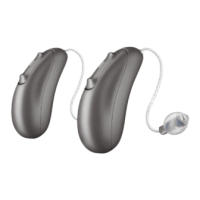
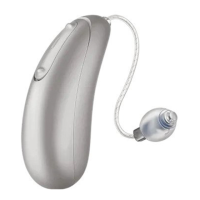
38
• The Music/TV program is ideal for watching television or listening to other
electronic devices.
• The Telephone program allows the Clara hearing aid to detect a phone (most tele-
phones and mobile phones are supported). You will hear a confirmation beep and
the sound from the telephone will be transmitted to both devices if you have a pair.
Audicus can also add requested programs, such as Auditorium, Car/Plane, or Tinnitus
Masker at your request, as part of your unlimited programming tune-ups for life.
Changing volume
Press the “+” or “-” button to increase or decrease the volume. When you have hit
the highest or lowest volume setting, you will hear a a double beep indicating there
are no more adjustments to make. From baseline, you can increase the volume 5
notches louder, or decrease it 10 notches soer. When you turn the device on/o, it
will default to baseline.
Changing programs & volume


 To Next Page