3
SETTING UP YOUR DEVICE
Press the buon to increase the volume unl you nd which volume
level is most comfortable for your ears.
Be sure not to turn the volume too high, as this can cause discomfort in your ears.
4
3
Adjusng The Volume & Switching The Listening Mode
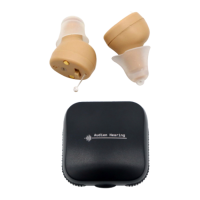
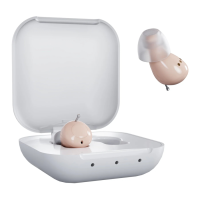
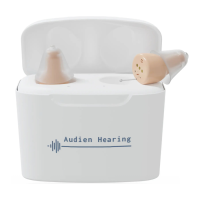
To adjust the volume, you will press the buon on
the back of the Atom Pro 2. There are 5 volume
levels. The number of beeps signies the volume. 1
beep for volume 1 up to 5 beeps for volume 5.
There are 5 volume levels and your device’s default is level 3
Mode
1 Conversaon 1 Boop
2 Noisy environment (restaurants) 2 Boops
3 Road/Vehicle 3 Boops
4 Outdoor 4 Boops
Suitable for Indicator
Click the buon to change volume levels
Level 1 1 beep
Level 2 2 beeps
Level 3 3 beeps
Level 4 4 beeps
Level 5 5 beeps
To change listening modes on your Atom
Pro 2, press and hold the volume buon
for 3 seconds or unl you hear a lower
toned booping sound. The number of boops
demonstrates which mode your device is in.



 To Next Page