EasyManua.ls Logo

Audio Analogue Maestro - User Manual

Audio Analogue Maestro
28 pages
Print Icon
To Next Page IconTo Next Page
Loading...
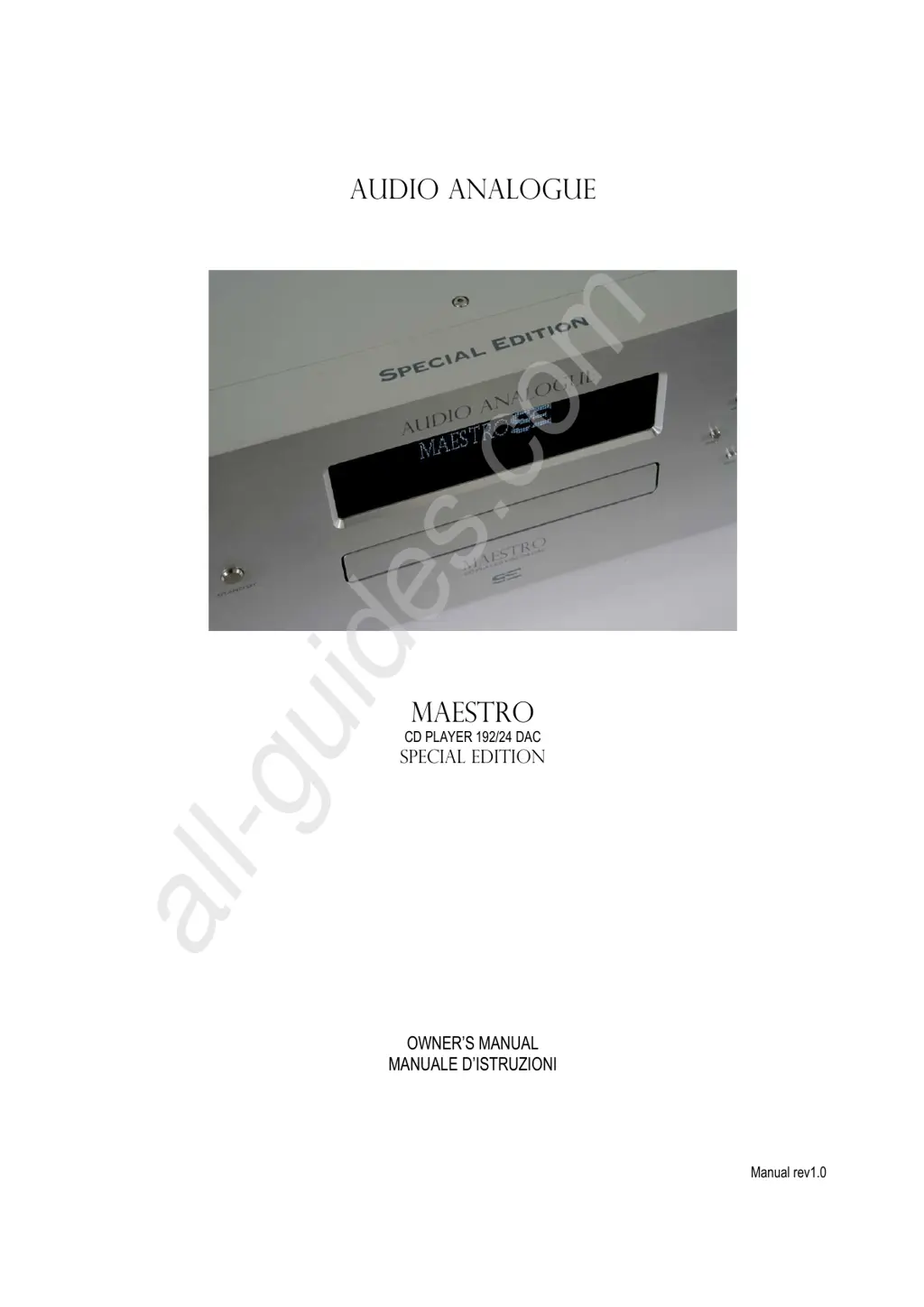
AUDIO ANALOGUE
maestro
CD PLAYER 192/24 DAC
SPECIAL EDITION
OWNERS MANUAL
MANUALE DISTRUZIONI
Manual rev1.0
All manuals and user guides at all-guides.com
all-guides.com

Questions and Answers

  • E
    efieldsJul 26, 2025
    Why is there no sound and the display is on in my Audio Analogue Maestro CD Player?
    • J
      Joanna VargasJul 26, 2025
      If your Audio Analogue CD Player's display is on but there's no sound, the issue might stem from a few things. First, check the connectors between the CD player and the amplifier to ensure they are correctly plugged in. Also, verify that you've selected the correct source on your amplifier to correspond with the CD player's input.
  • E
    Erica WilliamsJul 30, 2025
    How to fix Audio Analogue CD Player remote controller that is not working?
    • K
      Krista HuberJul 30, 2025
      If the remote controller for your Audio Analogue CD Player isn't working, try these steps: 1. Make sure the batteries are correctly inserted and not worn out. Replace them if needed with two new ‘AAA’ batteries. 2. Ensure you're not too far from the unit or at too extreme of an angle. Try moving closer and adjusting your angle to the front panel.
  • M
    Miss Melissa Valencia DDSAug 3, 2025
    What to do if my Audio Analogue Maestro CD Player display is off and there is no sound?
    • J
      Julie ObrienAug 3, 2025
      If your Audio Analogue CD Player's display is off and there's no sound, here's what you can check: * First, ensure the power cord is correctly plugged into the wall outlet. * If that's not the problem, examine the fuses in the fuse panel above the IEC inlet (after unplugging the power cord). Replace any burned-out fuses with new ones of the same type.
  • J
    John PaulAug 7, 2025
    What to do if my Audio Analogue Maestro CD Player works but the display is off?
    • G
      Garrett SchneiderAug 8, 2025
      If your Audio Analogue CD Player is playing CDs but the display is off, it might indicate a faulty front panel. In this case, contact your Audio Analogue retailer to arrange for a connection check and possible front panel replacement.
  • E
    Elizabeth CrawfordAug 12, 2025
    What to do if the remote controller doesn’t work with my Audio Analogue CD Player?
    • K
      kennedykatherineAug 12, 2025
      If the Audio Analogue CD Player's remote controller isn't working, first, ensure that the batteries (2 ‘AAA’ batteries) are correctly placed and not worn out. If the issue persists, try moving closer to the unit or reducing the angle at which you are using the remote in relation to the front panel.
  • B
    brandon35Aug 17, 2025
    Why is there no sound when the display is on for my Audio Analogue CD Player?
    • K
      Kayla RobinsonAug 17, 2025
      If your Audio Analogue CD Player displays is on but there is no sound, check the connectors between the CD Player and the amplifier to ensure they are correctly plugged in and not faulty. Also, verify that the correct source is selected on your amplifier for the CD Player.
  • J
    Joseph MillerAug 21, 2025
    How to fix an Audio Analogue CD Player with no display and no sound?
    • T
      Tracy YoungAug 21, 2025
      If the display is off and there is no sound from your Audio Analogue CD Player, first make sure the power cord is correctly plugged into the wall outlet. If it still doesn't work, after unplugging the power cord from the wall outlet, check the fuses in the fuse panel above the IEC inlet and replace them with new ones of the same type if they are burned-out.

Summary

Warning

Necessary Precautions for Safety and Maintenance

Instructions to Put It Out of Service

Product Features

Front Panel Overview

Back Panel Connections

Remote Control Functions

Connecting and Powering the Unit

Powering Up and Standby Mode

Digital Chain Configuration

Direct Mode

Configuration mode where the digital signal is sent directly to the DAC without up-sampling.

PLL Mode

Configuration mode that regenerates and cleans the digital signal using a PLL.

SRC Mode

Configuration mode using the Sample Rate Converter for signal re-synchronization.

Menu Setup and Configuration

Specifications

Troubleshooting Guide

Audio Analogue Maestro Specifications

General IconGeneral
TypeCD Player
Weight12 Kg
DAC24bit / 192KHz
Digital OutputCoaxial
Analog OutputRCA
Frequency Response20Hz - 20kHz

Related product manuals