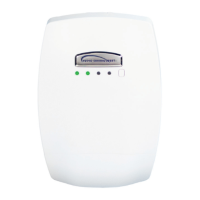
Remote Control Ports
(Future Implementation)
RS-232
Power/Status
Indicator LED
USB Port
Note: Volume levels on line
inputs can only be adjusted
via USB. Install and run the
GL-300 software before
connecting the USB.
Reset Button
Line Output
Press and hold the PWR button to turn
the microphone on or off.
A momentary press of the PWR button
will mute or unmute the microphone
audio. If muted for more than 5 minutes,
the microphone will turn off
automatically.
UP Volume
control button
DOWN Volume
control button
ChargingtheMicrophone
Step 1. Position the Teacher Microphone with the
black back of the microphone facing towards you.
Step 2. Align the charger connector so that the
small triangle shaped arrow on the charging
connector faces you.
Step 3. Insert the connector into the microphone.

 Need help?
 General

 To Next Page