DIVIDING HOUSE CODES INTO 3 ZONES,
ADJUST VOLUME IN EACH ZONE SEPARATELY.
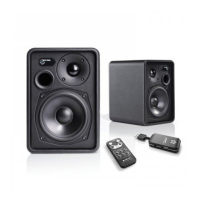
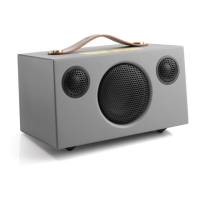
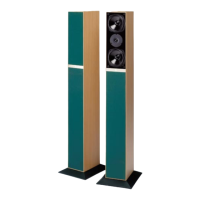
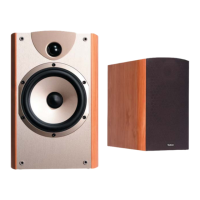
You can add limitless number of LV2 speakers to your audio network. By using the feature of zone
volume control you can play same music with different volume in different rooms. Convienent when
you, for example, want to have higher volume in the livingroom and a bit lower in the kitchen.
You can have as many LV2 speakers in each zone as you like, or just one pair.
The wireless multiroom options are almost limitless.
Note:
1. All LV2 speakers are default Zone A, and volume setting 50%.
2. Each House Code (1, 2 and 3) can be split into up to 3 zones (A, B and C).
3. You can have as many speakers you like on each House Code, and as many as you want in
each zone. A zone does not have to be one room, can be whole floor in house.
HOUSE CODE 1
Speakers and transmitter using
same house code.
HOUSE CODE 2
Speakers and transmitter using
same house code.
Zone A Volume
Zone A Volume
Volume Zone B
Volume Zone B
Volume Zone C
Volume Zone C


 To Next Page