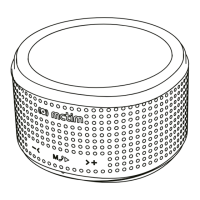
8. Micro USB Charge
Micro USB cable connect the PC USB jack for charging. Indicator light is red color, nish
charging, indicator light o.
6. Bluetooth5. Features
Turn on the speaker will enter the Bluetooth Mode, make sure your mobile phone has its
Bluetooth turned on and search for devices, wait your mobile phone nds “BT-120”, your
device would now be connected to your mobile phone
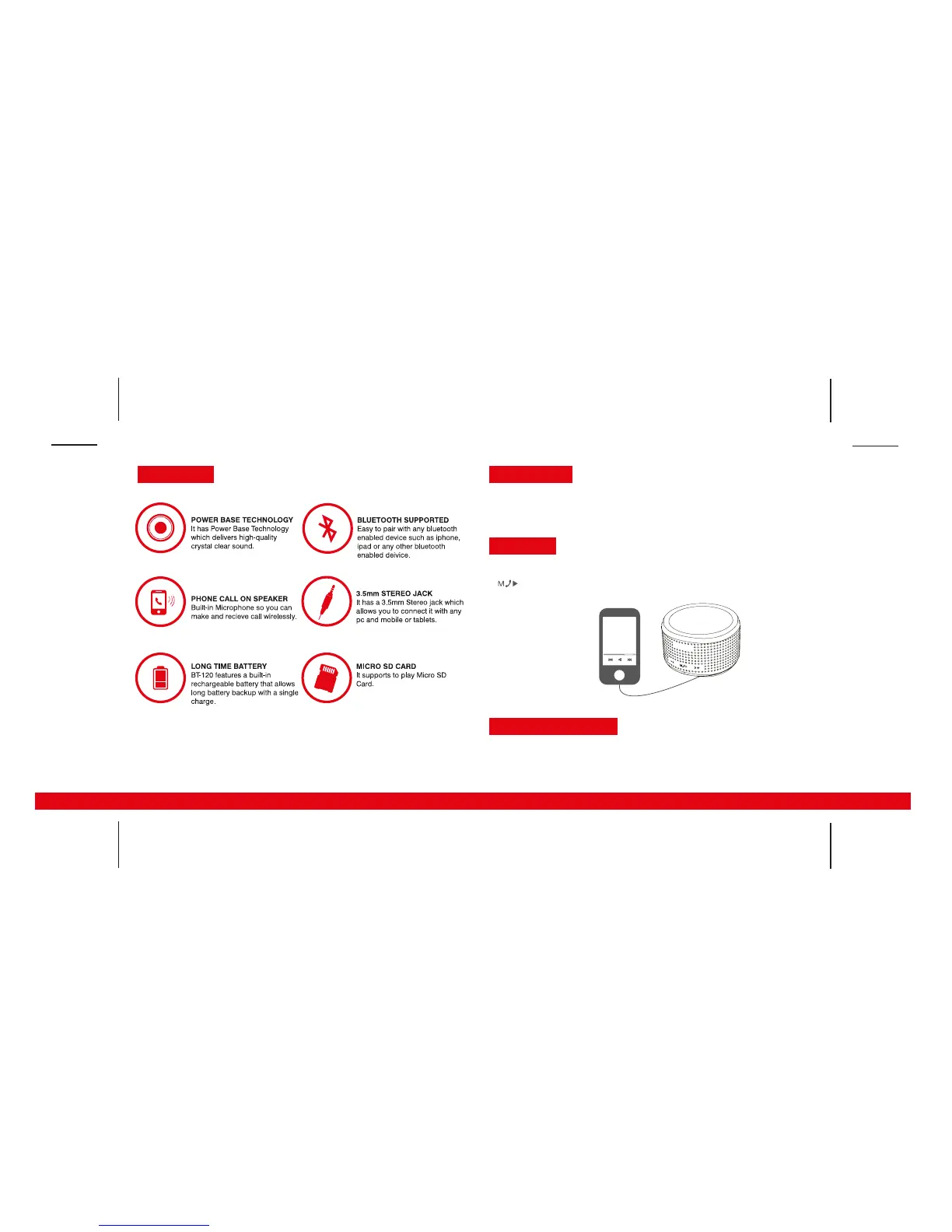
7. Aux In
Attached 3.5mm audio cable, connect with PC, Mp3/Mp4, IPOD/Iphone and Long press
button, enter the aux in mode.


 To Previous Page
 Loading...