-- 5 --
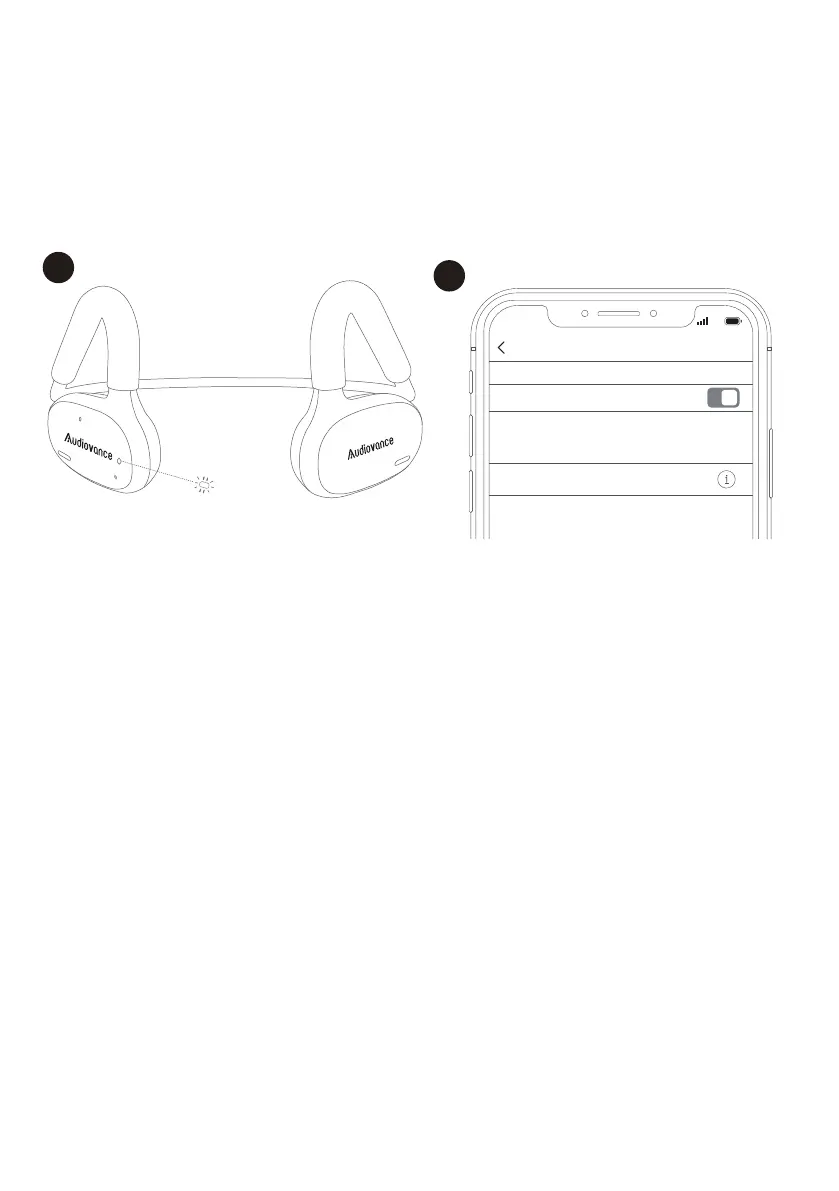
2) Choose “Audiovance OpenComfy
202” to connect.
Manual Pairing
Only when the headphones paired with a device before, from the
second time, wireless connection with that device will automatically
establish when you turn on the headphones.
Automatic Pairing
1) Turn on the headphones.
They will automatically enter
the Bluetooth pairing mode.
1
2
Bluetooth
Bluetooth
Audiovance OpenComfy 202 Connerted
Now discoverable as “kiven’s iPhone”
MY DEVICES
Settings
9:24
4G
5. Pairing
For brand new headphones, please fully charge them before pairing.


 To Next Page