EasyManua.ls Logo

Audiovox AVT-597 - User Manual

Audiovox AVT-597
6 pages
Print Icon
To Next Page IconTo Next Page
Loading...
© 1998 Audiovox Corporation, 150 Marcus Blvd., Hauppauge, NY 11788
1-800-645-4994
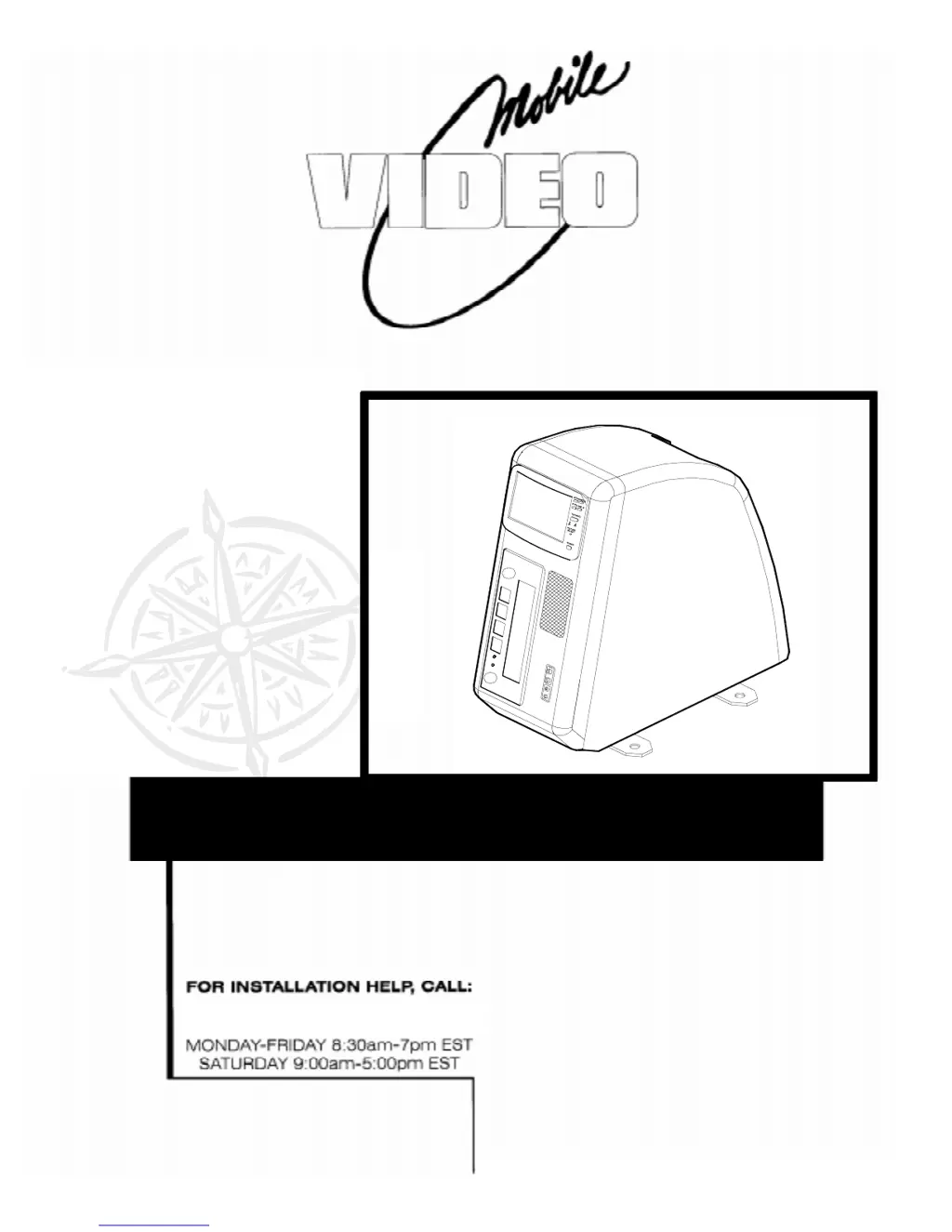
Installation Guide and
Owner’s Manual

Questions and Answers

  • G
    Grace PatelJul 30, 2025
    What to do if my Audiovox Car Video System TV or VCP does not turn on?
    • J
      Jacob NormanJul 30, 2025
      If your Audiovox Car Video System TV or VCP doesn't turn on, there could be several reasons: * Some vehicles might not power the cigarette lighter when the ignition is off. Try turning the ignition to the ON or ACC position. * Ensure the cigarette lighter cord is properly plugged into both the cigarette lighter and the console base. * The fuse in the fuse panel might be blown. Check for power at the cigarette lighter plug and replace the fuse if necessary, after correcting the condition that caused it to blow. * The fuses in the TV or VCP themselves might be blown. Remove the front bezel, slide out the TV or VCP, check, and replace the fuse, making sure to correct the condition that caused the fuses to blow. Then, replace the front bezel and screws.
  • L
    Lauren MccarthyAug 9, 2025
    What to do if there is no picture when playing a camcorder on my Audiovox Car Video System?
    • A
      amyduncanAug 9, 2025
      If you're not getting a picture when playing a camcorder on your Audiovox Car Video System, consider the following: 1. Ensure the TV is powered on. 2. Verify the camcorder is correctly connected to the Audio/Video jacks. 3. Confirm the TV is in video mode by pressing the TV/Video switch. 4. Increase the brightness control. 5. Make sure the Remote is pointed at the TV or VCP.
  • B
    Brian SmithAug 19, 2025
    What to do if there is no picture when playing a tape on my Audiovox Car Video System?
    • J
      Jennifer PhillipsAug 19, 2025
      If you're experiencing a 'no picture' issue while playing a tape on your Audiovox Car Video System, try these steps: * Ensure that the TV is turned on. * Check that the TV is not in video mode by pressing the TV/Video switch to toggle between TV and Video modes. * Make sure the brightness control is adjusted appropriately.

Summary

Product Description and Package Contents

Product Description

Details the E-Z Fit video floor console, its components, and features.

Required Tools for Installation

Lists the necessary tools for installing the E-Z Fit console into a vehicle.

Package Contents

Enumerates all items included in a complete E-Z Fit package.

Console Mounting Methods

Permanent Mounting Procedure

Step-by-step guide for permanently securing the E-Z Fit console to the vehicle floor.

Removable (Quick-Release) Mounting

Instructions for mounting using optional quick-release brackets for portability.

Owners Manual: Console Operation

Playing a Pre-recorded VHS Tape

Guide on inserting and playing VHS tapes using the console's VCP.

Watching a TV Program

Instructions for tuning and watching television channels on the console.

Using a Camcorder or Video Game

Steps for connecting and using external video sources with the console.

Using Headphones with the Console

Information on connecting headphones for private listening.

Troubleshooting Hints and Tips

TV or VCP Do Not Turn On

Solutions for issues where the TV or VCP fails to power on.

No Picture When Playing a Tape

Troubleshooting steps for resolving no-picture issues during tape playback.

No Picture When Playing a Camcorder

Guidance for resolving no-video issues when using external video sources.

Remote Control Not Working

Steps to diagnose and fix problems with the remote control.

Audiovox AVT-597 Specifications

General IconGeneral
BrandAudiovox
ModelAVT-597
CategoryTV
LanguageEnglish