耋晤憮
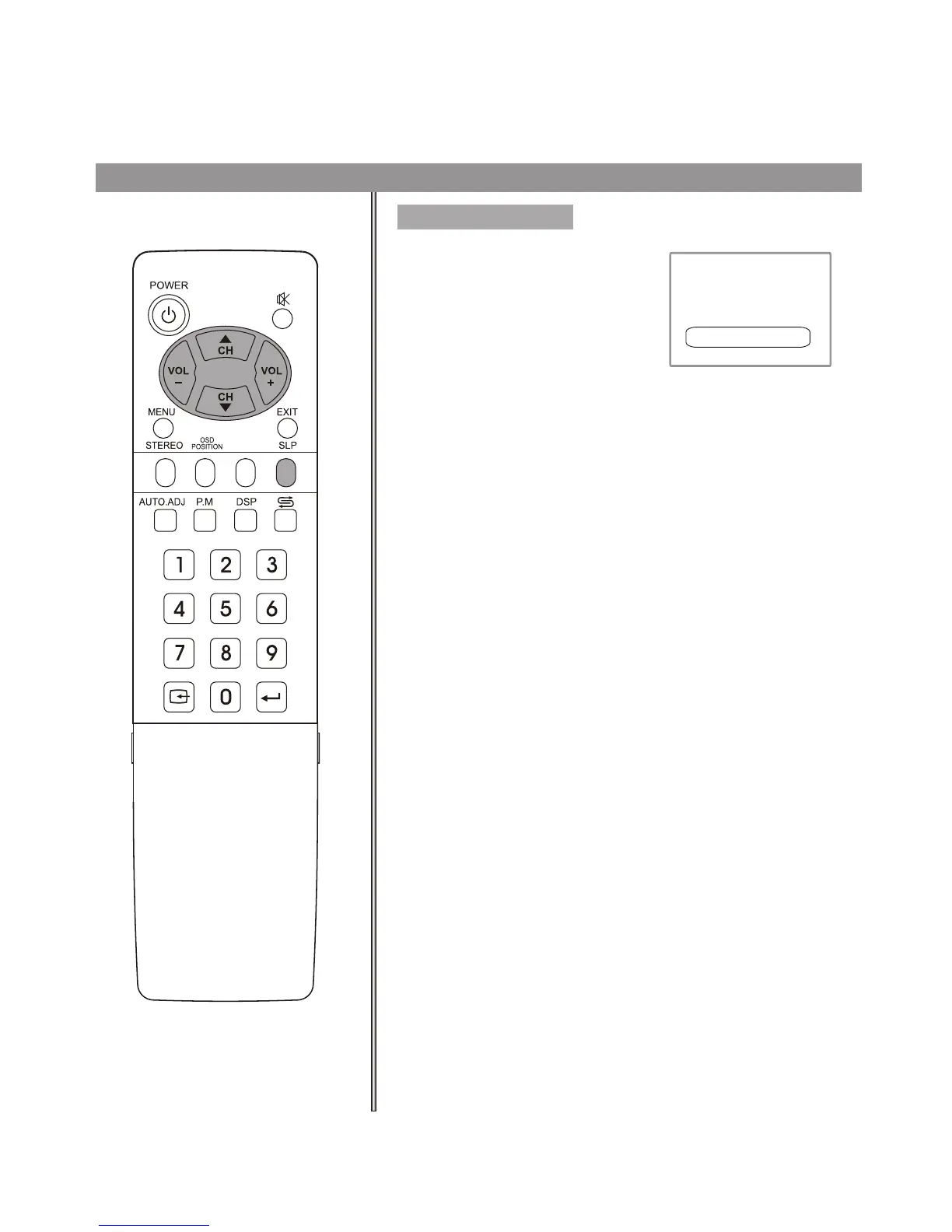
Using Sleep button
Press SLP button to display sleep
timer menu. Press CH5/6 or
VOL+/- repeatedly to set sleep time
between:0, 10, 20, 30, 60, 90, 120,
180, 240 minutes. If you select 0
minute, the sleep timer function is
turned off.
Press the SLP button again to exit the
menu.
sleep timer 30 minute
Timer setting
34
S.M
Operations (continued)



 To Next Page