iPod OPERATION
iPod User Interface
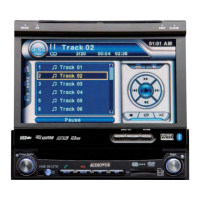
The on-screen indicators and touch key areas for iPod playback are outlined below.
1. Elapsed playing time
2. Current track and total number of files
3. Current time
4. Media titles/menu information
5. ID3 information
6. Enter
7. Touch to access photos
8. >>|: Touch to move to next track
9. |<<: Touch to move to previous track
10. Touch to access the iPod menu
11. >|| : Touch to play/pause disc playback
12. Touch to access music files
13. Touch to access video files
14. Touch to access the SETUP screen
15. Touch to view Spectrum Analyzer > Equalizer
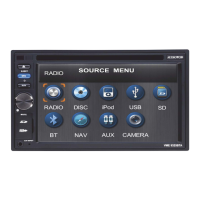
16. Touch to view the SOURCE MENU and select a new playback source
17. Song title
18. Touch to view the direct entry menu
19. Touch the scroll bar and arrows to view the previous/next page of songs
91
Subject to technical changes


 To Next Page
 Loading...