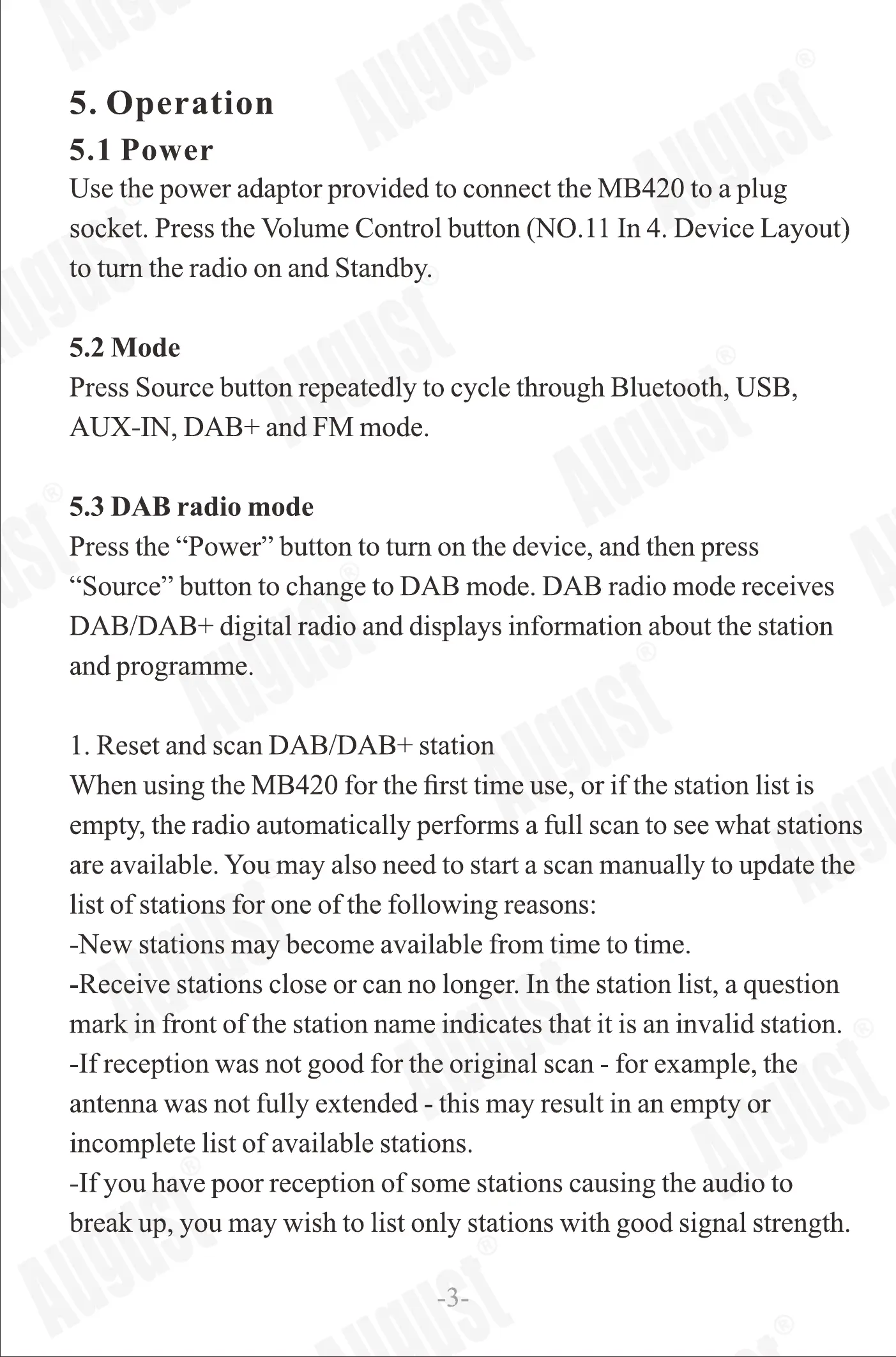
5. Operation
5.1 Power
Use the power adaptor provided to connect the MB420 to a plug
socket. Press the Volume Control button (NO. I I In 4. Device Layout)
to turn the radio on and Standby.
5.2 Mode
Press Source button repeatedly to cycle through Bluetooth, USB,
AUX-IN, DAB+ and FM mode.
5.3 DAB radio mode
Press the "Power" button to turn on the device, and then press
"Source" button to change to DAB mode. DAB radio mode receives
DAB/DAB+ digital radio anddisplays information about the station
and programme.
1. Reset and scan DAB/DAB+ station
When using the MB420 for the first time use, or if the station list is
empty, theradio automatically performs a full scanto seewhat stations
are available. You may also need to start a scan manually to update the
list of stations for one of the following reasons:
-New stations may become available from time to time.
-Receive stations close or canno longer. In the station list, a question
mark in front of the station name indicates that it is an invalid station.
-If reception was not good for the original scan - for example, the
antenna was not fully extended - this may result in an empty or
incomplete list of available stations.
-If you havepoor reception of some stationscausing the audio to
break up, you may wish to list only stations with good signal strength.
-3-
2. Manual Scan
In DAB+ mode, press and hold "Menu/lnfo" button until <Full Scan>
displays on the screen. Then Select or press "Scan/Pair" Button, it will
thenstartafull scan.Onceascanis complete,theradio returnsto playing
thepreviously selectedstationor thefirst stationon stationlist.
3. Select stations
In DAB+ mode, press " " or " hl " to select through the list of
stations.Stopat your preferredstation,thenpress"Select". It will be
tuned automatically within a second.
Note: During the search, operation of the sound level will be muted
automatically.
4.Adjust volume
Turn the Volume Control Button clockwise or anti-clockwlse to
increase or decreasevolume respectively.
5. Memory Settings
The Memory Settingsallow you to saveyour favourite radio stations.
First, choose your preferred radio station and hold down the 'Memory
Button' for 2 seconds. Then, use the Volume Control Button to assign
your preferred station a number on the station list. After this, press
'Select' to save.
5.4 FM radio mode
FM radio modereceivesanalogueradio from the FM bandanddisplays
RDS (RadioData System)information aboutthestationandprogramme,
i.e. broadcasting location.
When a FM Radio is playing, the screen displays frequency, or ifRDS
information is available, station name and any further 'RadioText'
information is shown.
-4-


 To Next Page
 Loading...