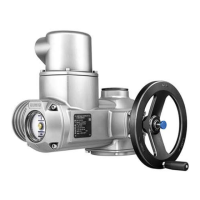
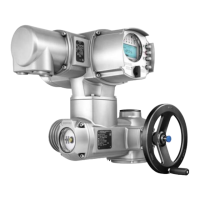
Actuator controls on wall bracket (accessory)
For version on wall bracket, please observe the following:
.
Versions with potentiometer in the actuator are not suitable. Instead of the
potentiometer, an RWG has to be used in the actuator
.
Permissible cable distance between actuator and AUMA MATIC amounts
to a maximum of 100 m.
.
Preconfectioned cables for the connection between actuator and AUMA
MATIC on wall bracket can be obtained from AUMA on request.
In case no preconfectioned cables are used, the following additionally has
to be observed:
.
Use suitable flexible and screened connecting cables.
.
Connect the wires in correct phase sequence.
Check the direction of rotation before switching on (see page 25)
Subsequent mounting of the actuator controls on the actuator
In case the actuator and the actuator controls have different commission
numbers (refer to name plates), the designations of the terminal plan and
the wiring diagram (KMS . . .) have to match for both devices.
15
Multi-turn actuators SA 07.1 – SA 30.1/SAR 07.1 – SAR 30.1
Operation instructions with actuator controls AUMA MATIC AM 01.1/AM 02.1
Figure 11: AUMA MATIC on wall bracket
Connecting cables
to actuator



 To Next Page
 Loading...