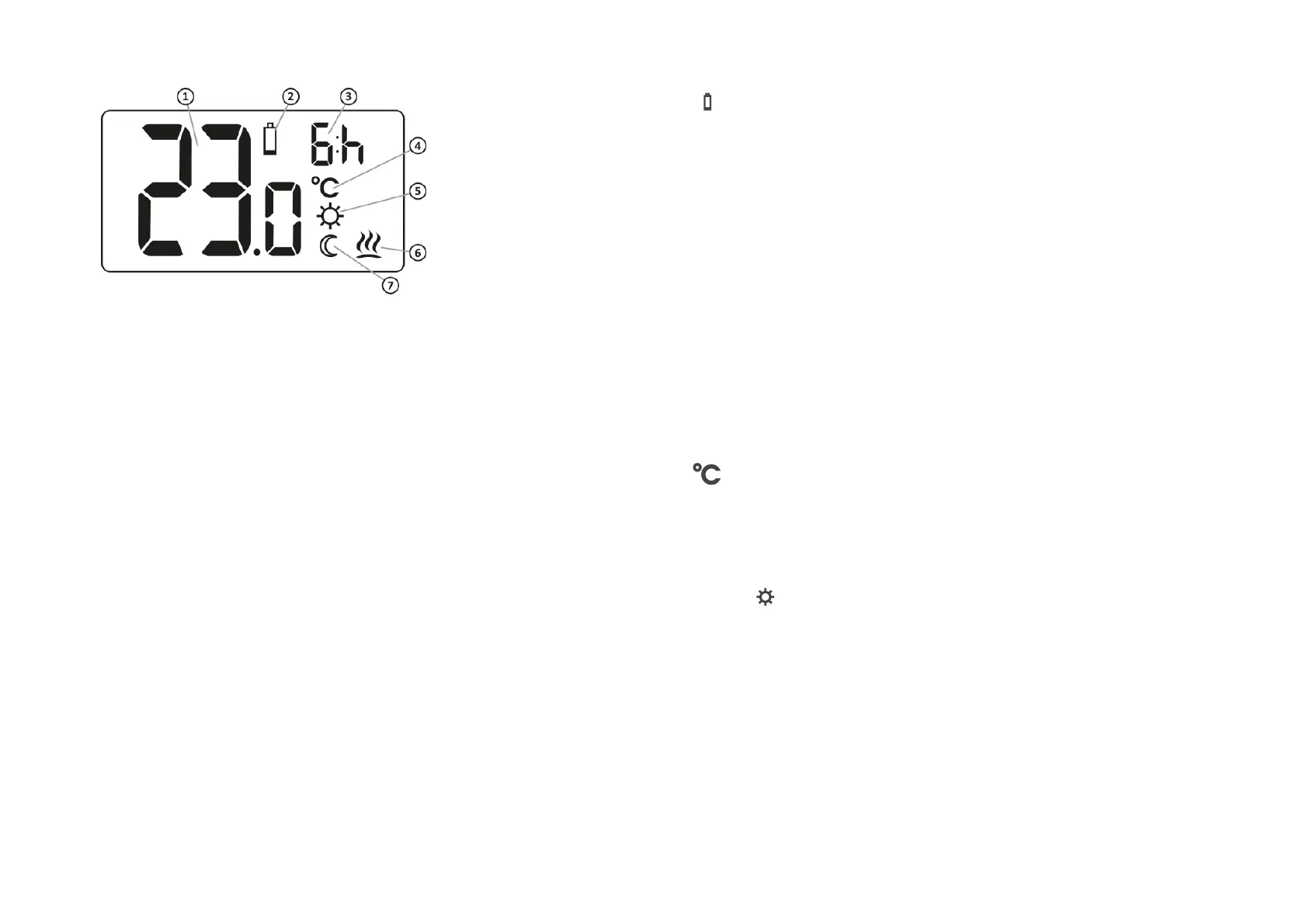
2. Battery exhausted ( X )
The indicator is visible when the
minimum permissible battery
voltage is exceeded. Replace the
batteries as soon as possible.
NOTE: To maintain AURATON
Auriga settings, battery replacement
should take less than 30 seconds.
3
. Temporary temperature reduction
duration indicator
Shows how long the temporary
temperature reduction mode will
remain active.
4
. Temperature unit (
R )
Indicates that the temperature is
displayed in degrees Celsius.
5
. Temporary temperature decrease
program mode indicator (
S )
Indicates the user scheduled
"temporary temperature decrease"
mode. It appears when the mode is
not currently implemented, but the
"temporary temperature reduction"
function is active (more information
in the "Temporary temperature
reduction mode setting" chapter)



 To Next Page