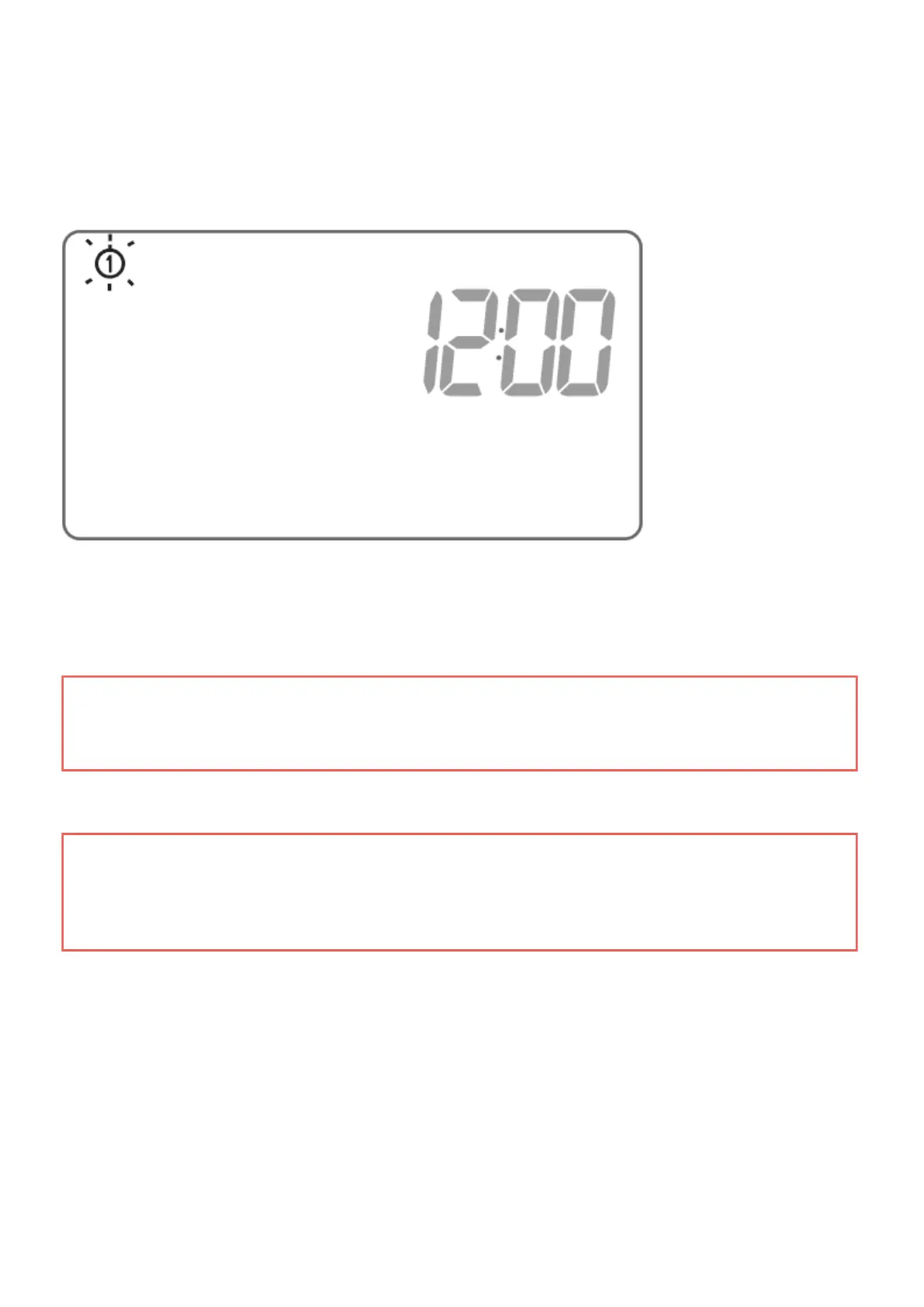
A flashing symbol of the day of the week appears in the upper left corner. Turn the knob to the left or
right to set the day and confirm the selection using the ( button.
IMPORTANT:
If no button is pressed for 60 seconds in the initial edit mode, 12:00 o’clock and Monday, as the
day of the week, will be set automatically.
IMPORTANT:
When programming any other functions, not pressing any button for 10 seconds is equivalent to
using the ( button.
Setting the clock and day of the week
To set the clock:



 To Next Page